

AI Dance Video
Put yourself in viral dances
Pick a dance trend, add a photo for each role and get a short clip of you doing the moves. No dance lessons, no filming.
- One photo per dancer
- 1 or 2 people
- Pets in Smalltown Boy
- 10-second clips
- One photo per dancer
- 1 or 2 people
- Pets in Smalltown Boy
- 10-second clips
All AI dance videos
Every dance on the site. Open one to watch examples and make yours.
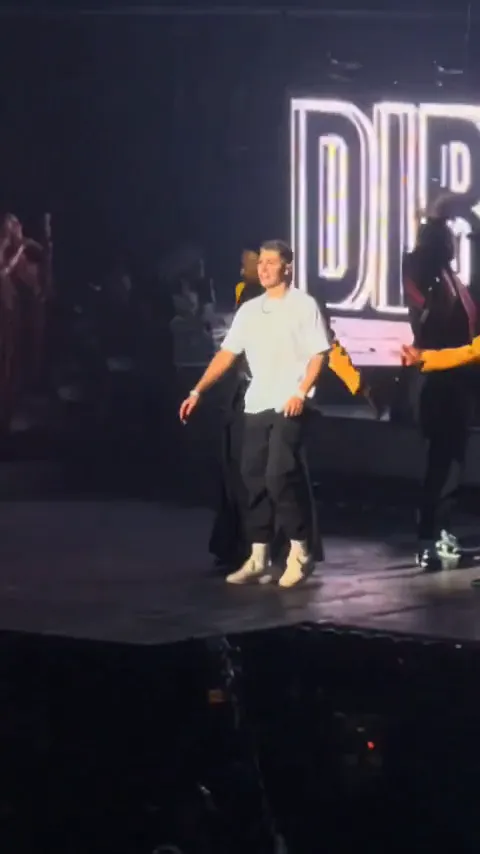
What is an AI dance video?
An AI dance video is a short clip in which the person in a photo dances: you upload a picture, and the video shows them doing the moves. Nobody has to dance or film.
Tools make them in three ways. Some invent the moves from a text prompt, some copy the moves from a dance video you upload, and some, like this one, start from a finished trend clip and change who is in it. That last way keeps the moves, the camera and the setting people already know from the trend, so the result looks like the real thing. What you can't do here is upload your own routine or describe new moves; you pick one of the dances.
How to make an AI dance video from a photo
- 1
Pick a dance
Choose from the dances at the top of the page. Each one opens with example videos, so you can see the moves first.
- 2
Add one photo per dancer
Upload a photo for each role. In a two-person dance you can fill just one role, and the other dancer stays as in the clip.
- 3
Generate
Press Generate. The dance is made from your photo and the clip, which takes a few minutes.
- 4
Download and post
The finished video is saved in My videos for 30 days. Download it to post on TikTok, Reels or Shorts.
Which photo makes a good AI dance video
The face and the outfit come from your photo; the moves come from the dance. A sharp, evenly lit photo of your head and shoulders is enough, so you don't need a full-body shot.
Works best
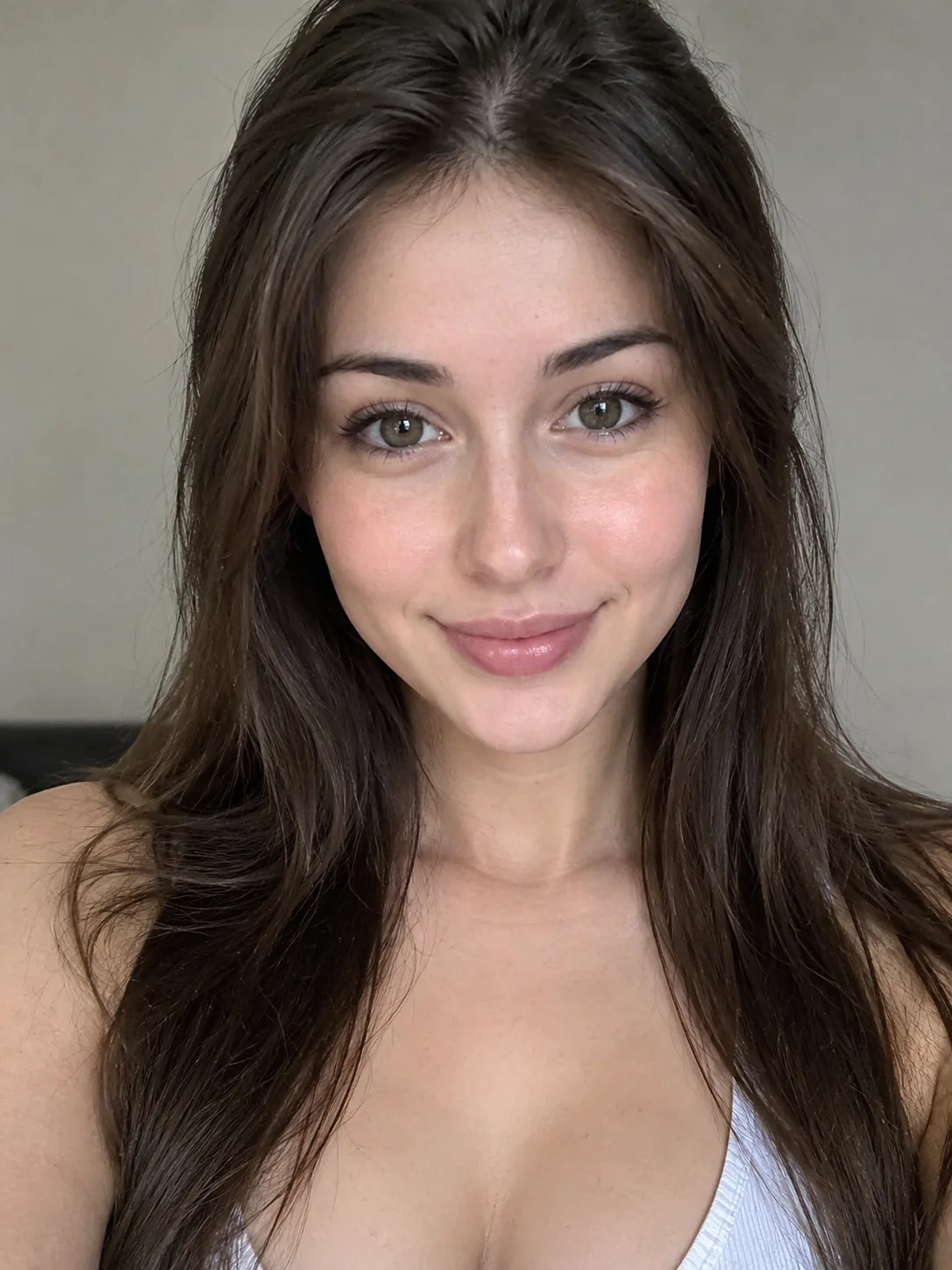 Face the camera
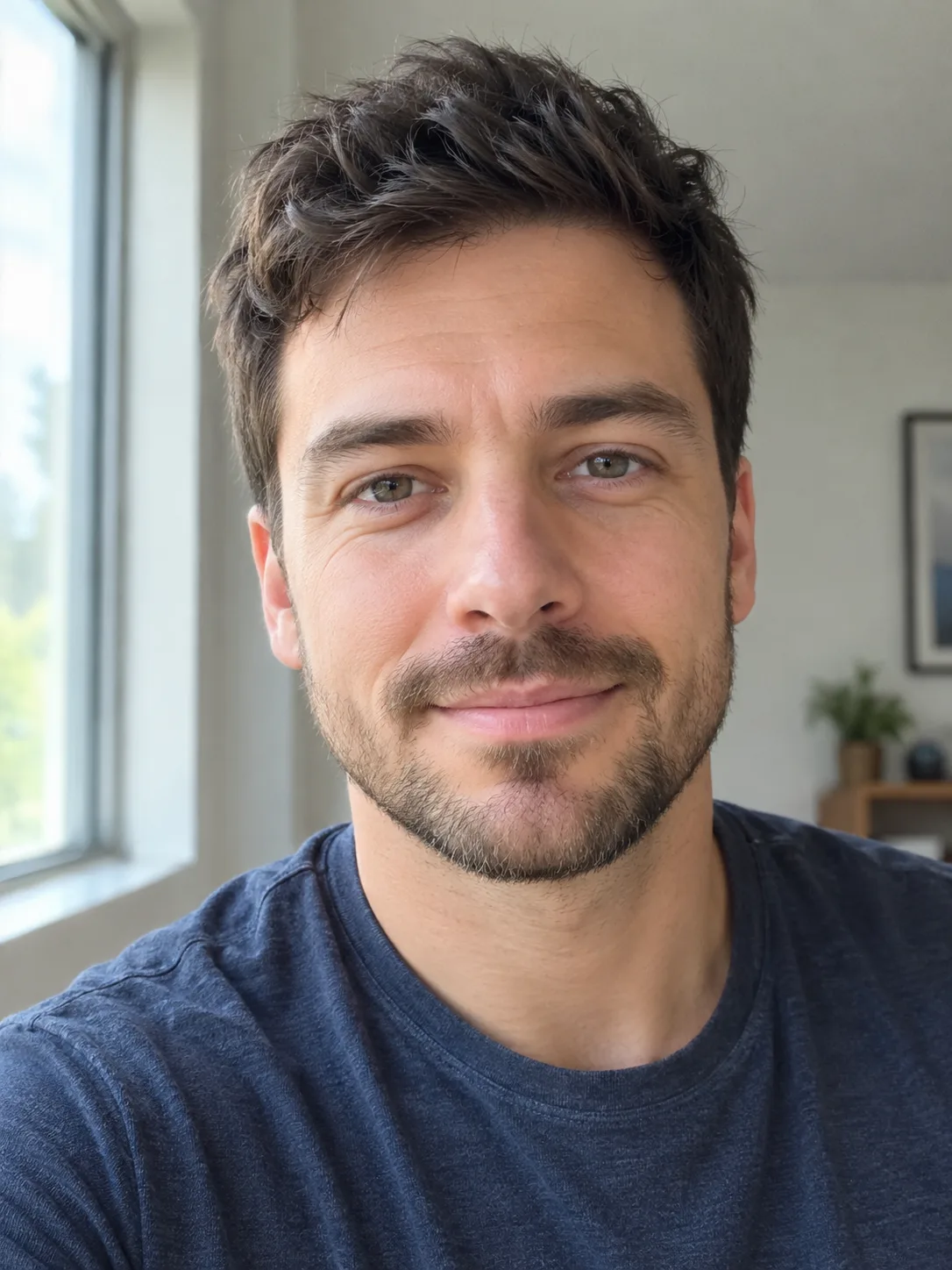 Even light
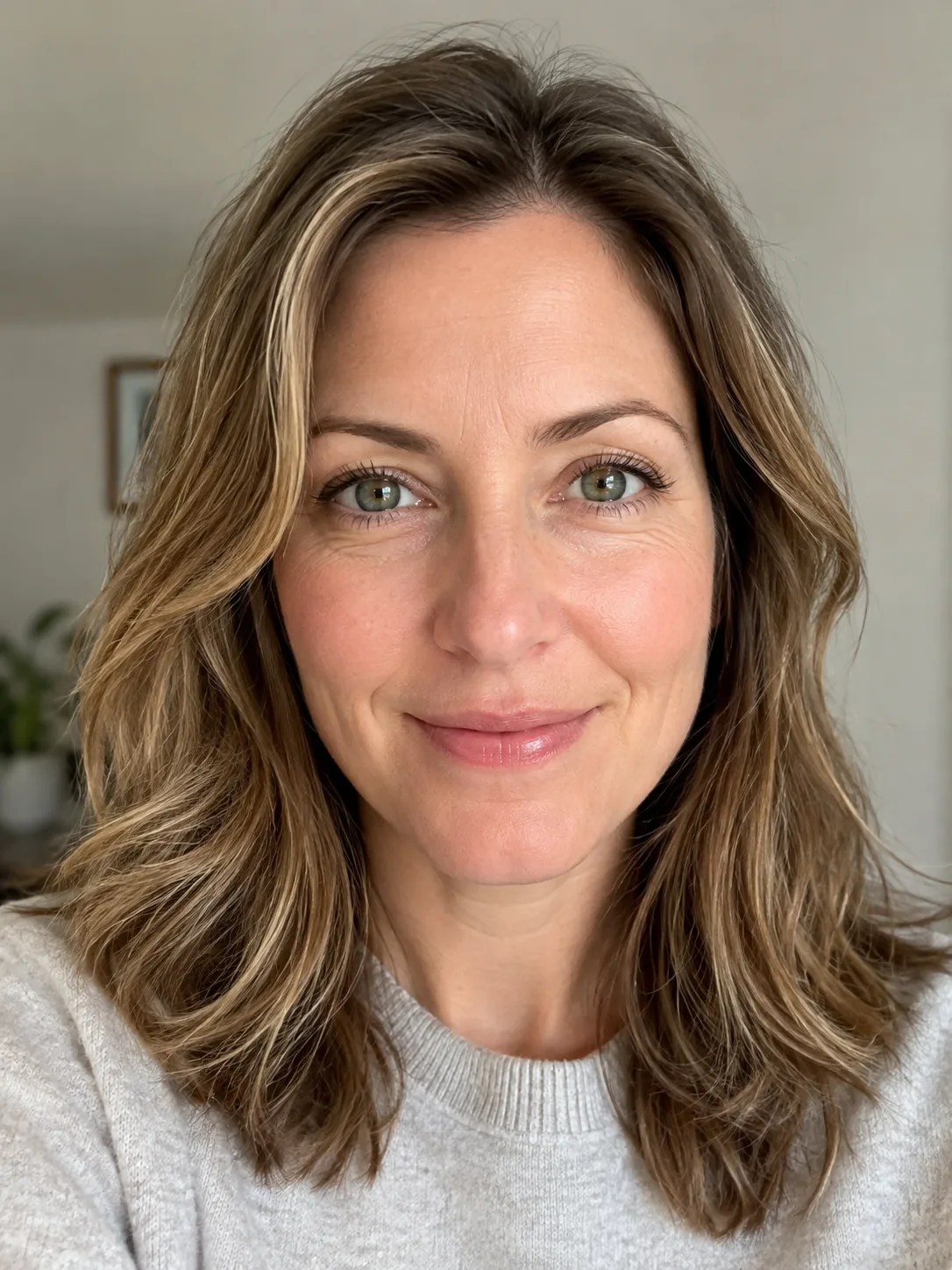 Head and shoulders in frame
Avoid
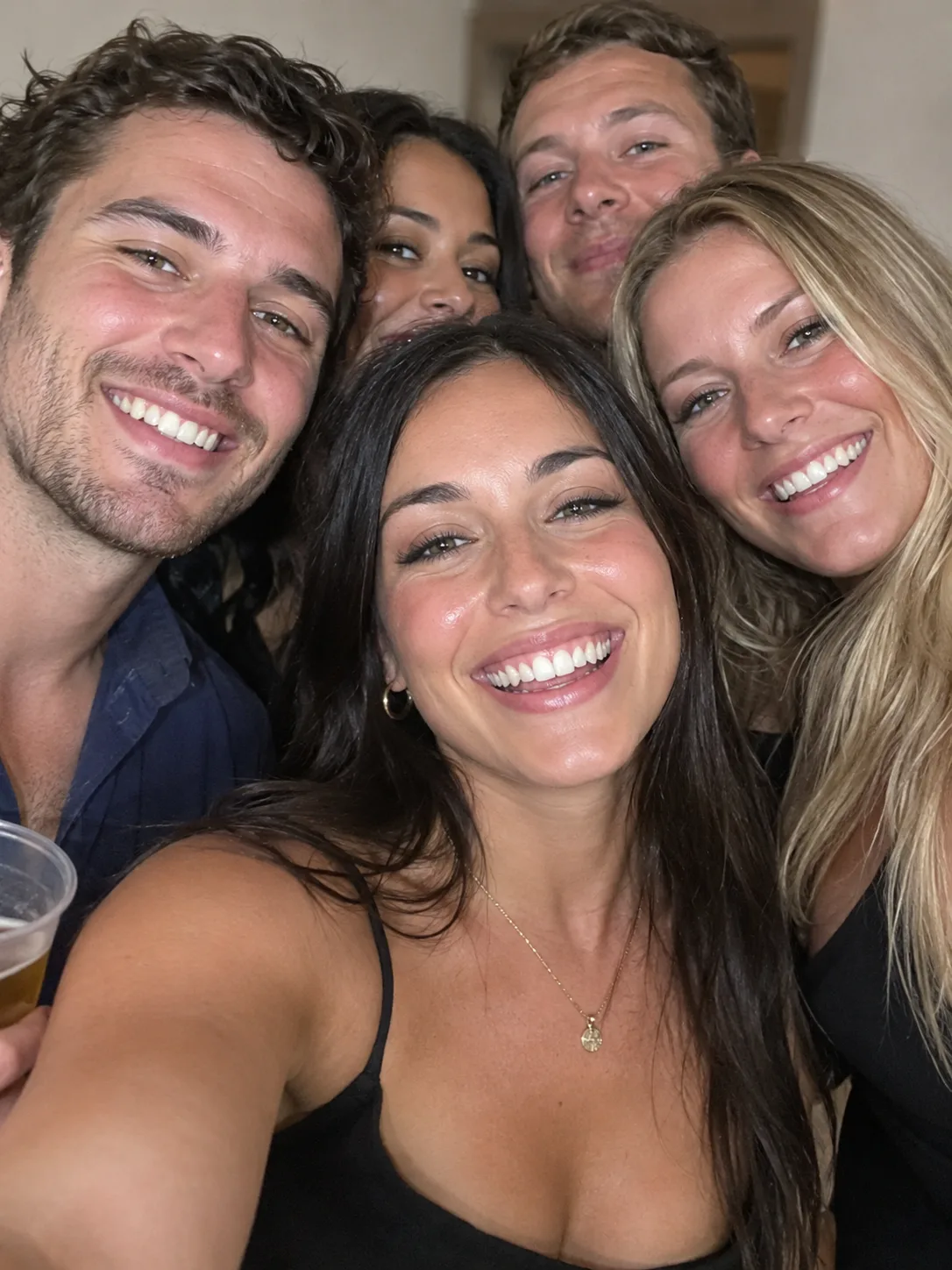 Group photos
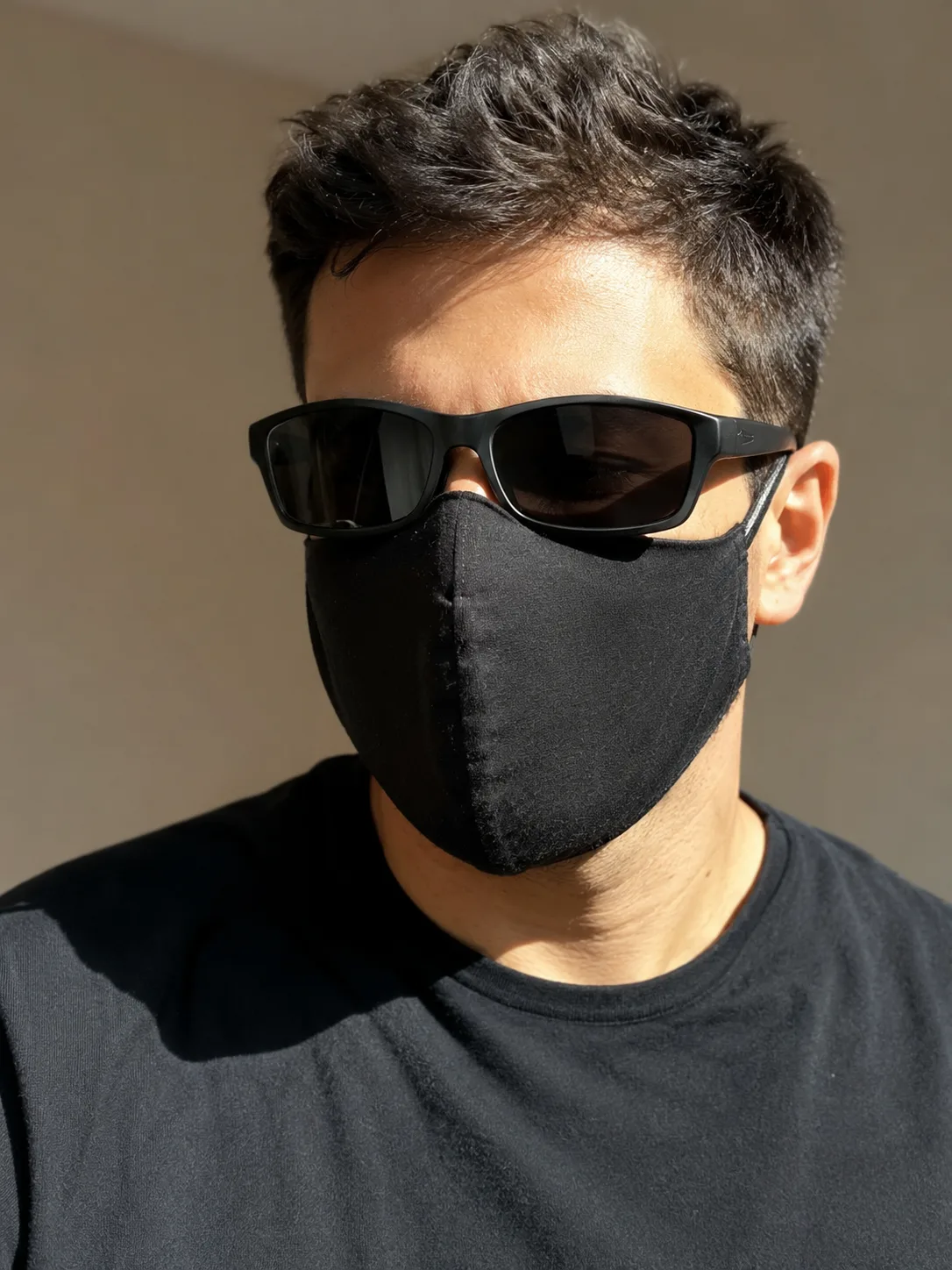 Sunglasses or masks
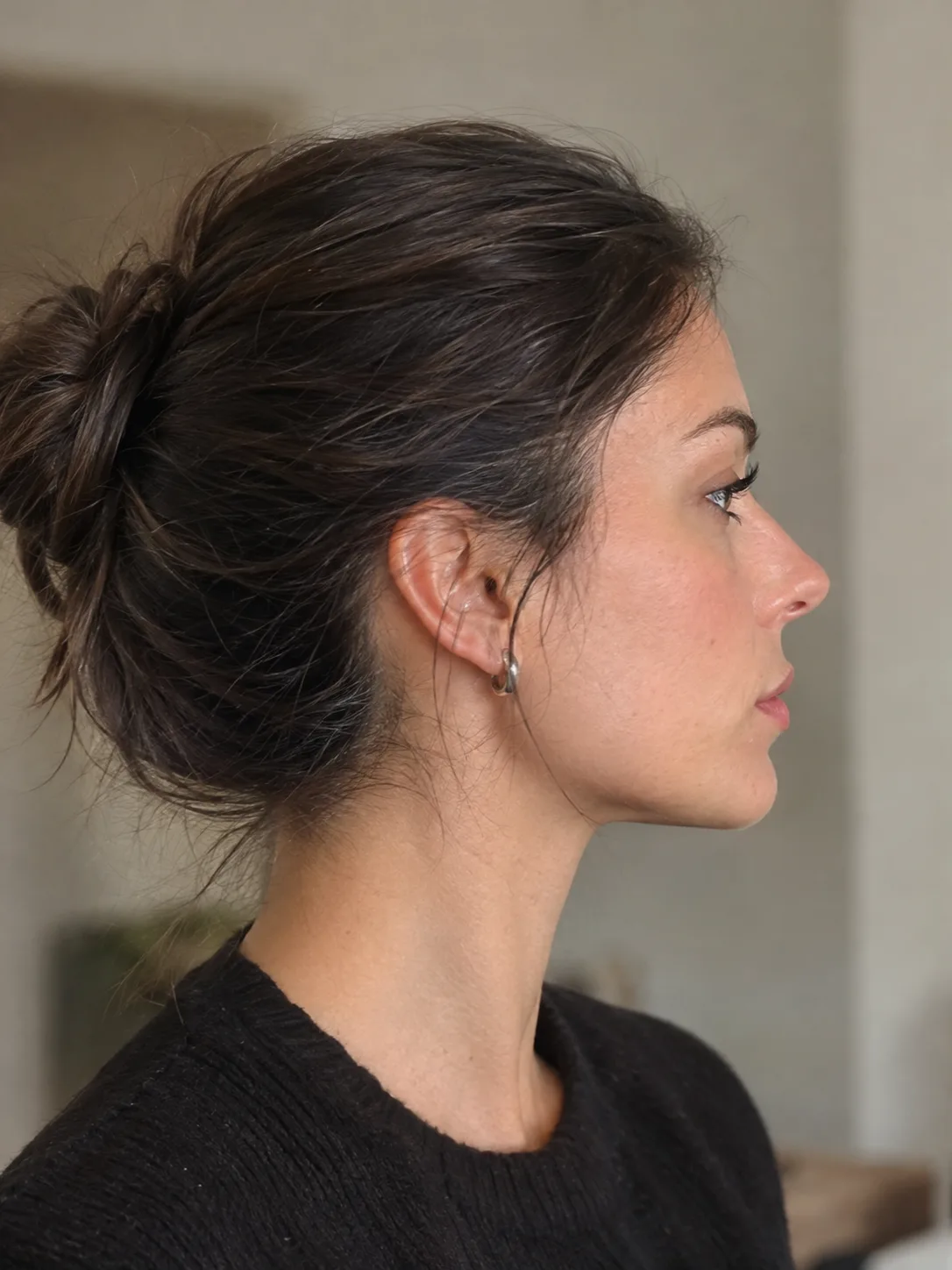 Side profile
Who you can put in an AI dance video
Just you
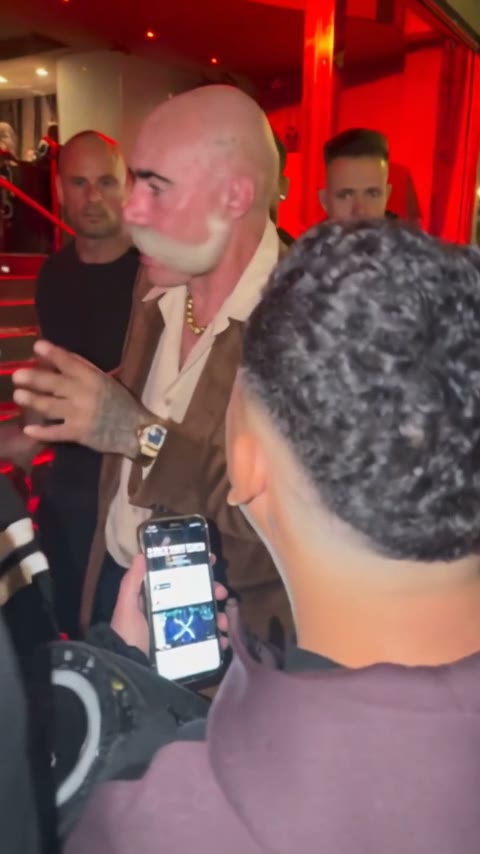
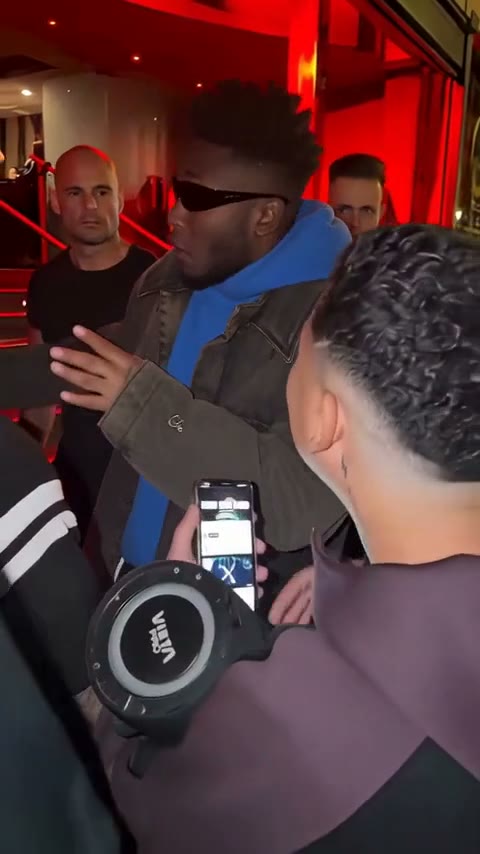
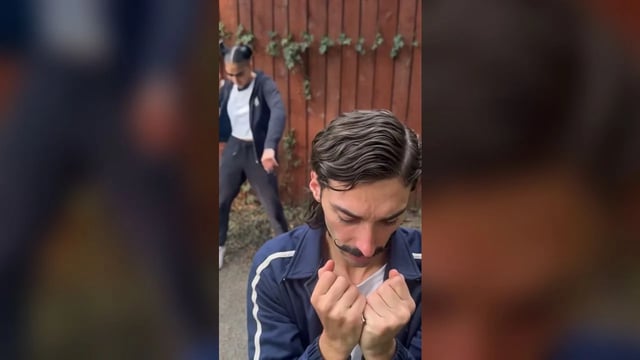
Solo dances put you in the middle of the scene. In Bulin 47, for example, you freestyle by a restaurant door while the crowd films you.
You and a friend
Two-person dances give each of you a role: a couple, best friends, siblings or coworkers. One photo per person.
Someone who never dances
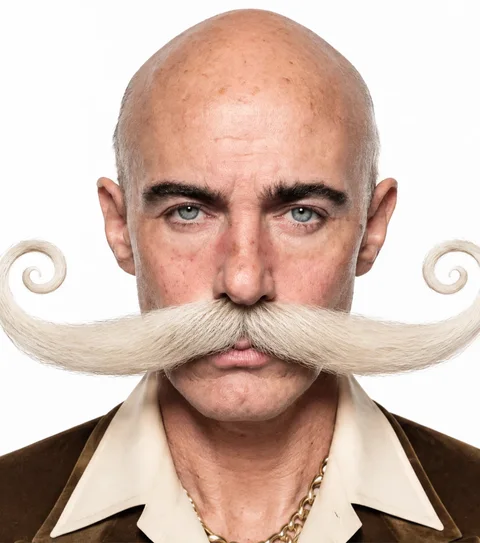
Parents, grandparents, the colleague who never joins in: the less likely the dancer, the better the clip. Use a photo of an adult who agreed to be in the video.
Your pet
Dogs and cats can dance too. In Smalltown Boy the pet stands up on its hind legs and does the moves.
AI dance videos here at a glance
- You add
- One photo per dancer
- People
- 1 or 2, depending on the dance
- Pets
- Yes, in Smalltown Boy, Dame Hombro and Talk Dirty
- Length
- 10 seconds
- Shape
- Vertical 9:16 or wide 16:9, depending on the dance
- Quality
- SD 480P or HD 720P
The dances you can make now
Each page shows example videos and how that dance works.
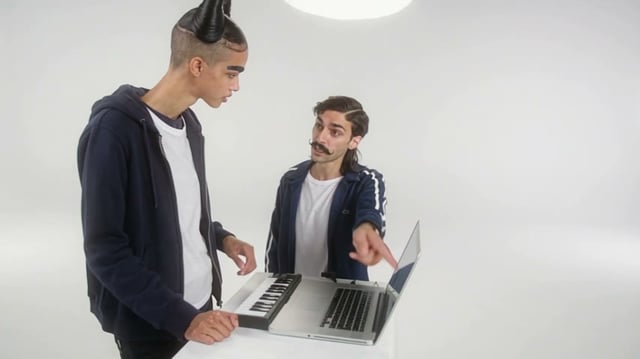
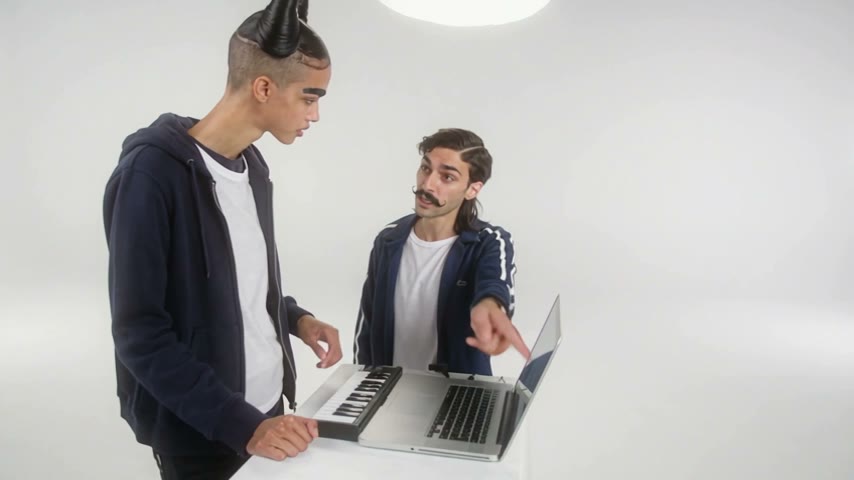
Alors on Danse AI Video
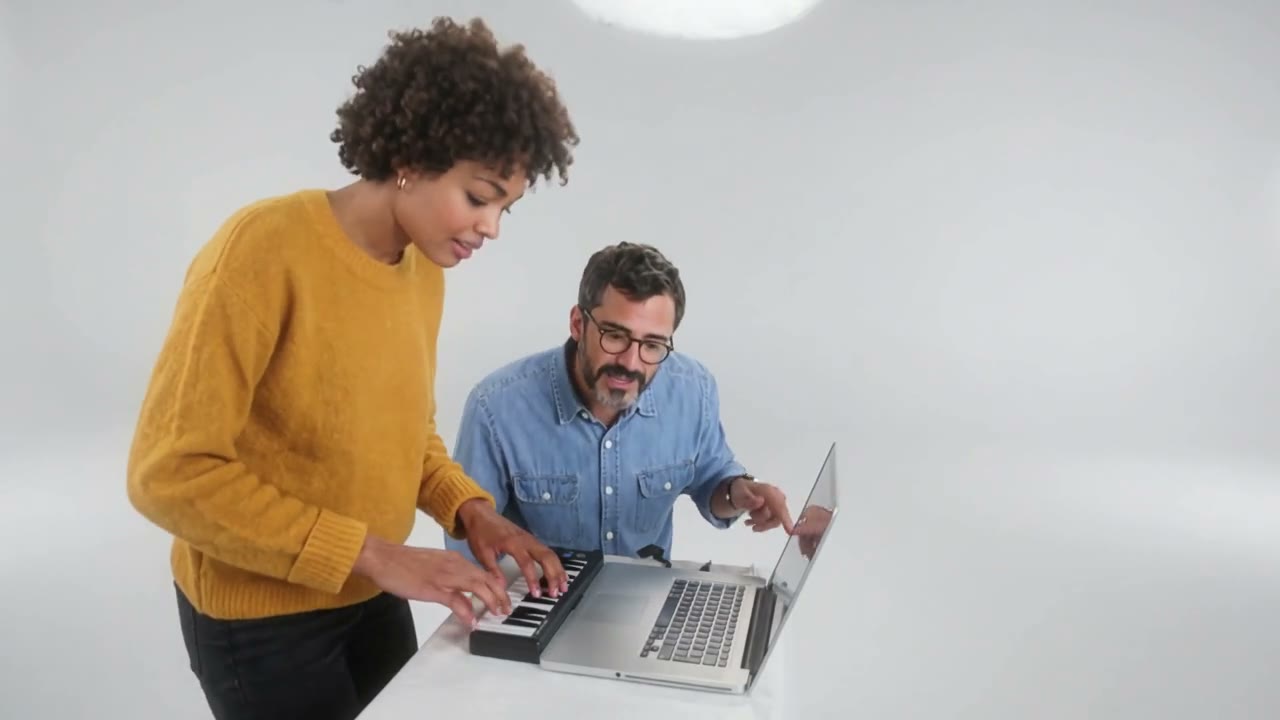
A keyboard jam for one or two, wide
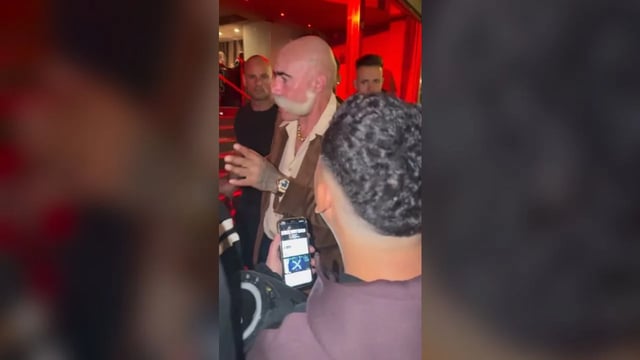
Bulin 47 AI Video
A one-person street freestyle, vertical
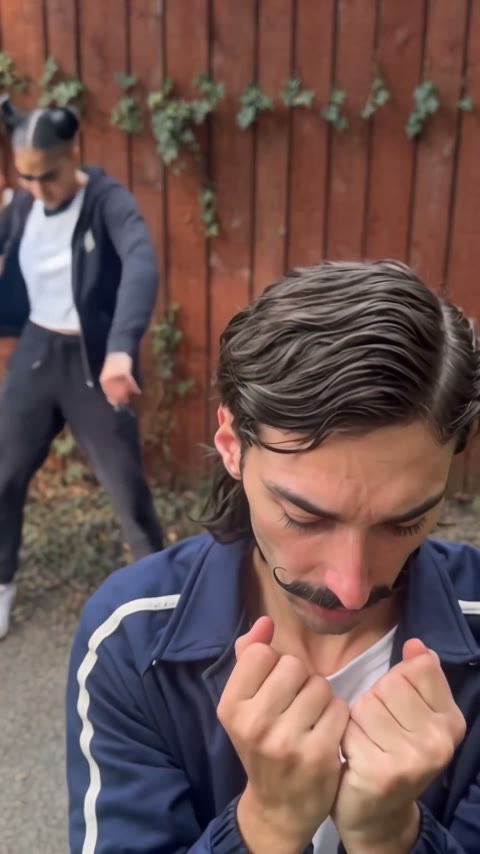
Smalltown Boy AI Video
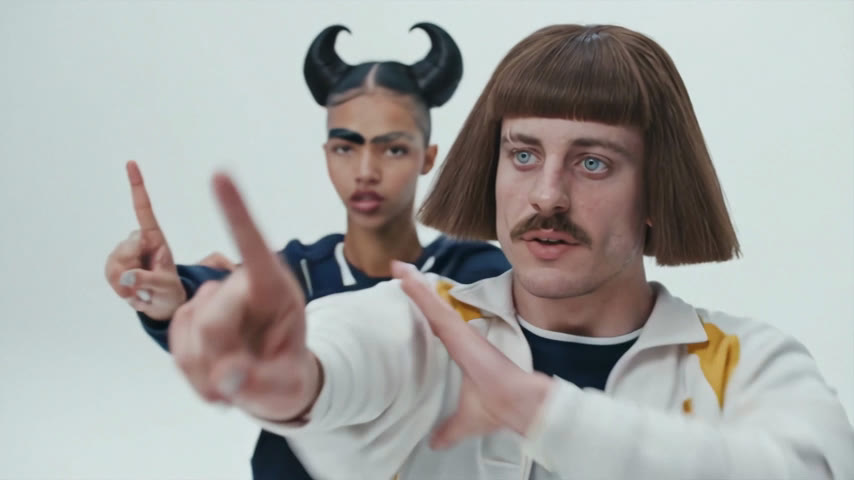
Two close-ups that trade places; works with pets
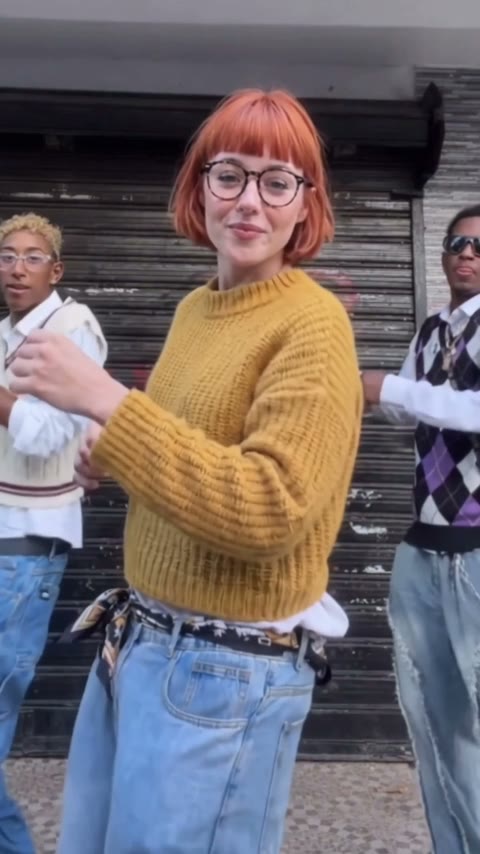
Dame Hombro AI Video
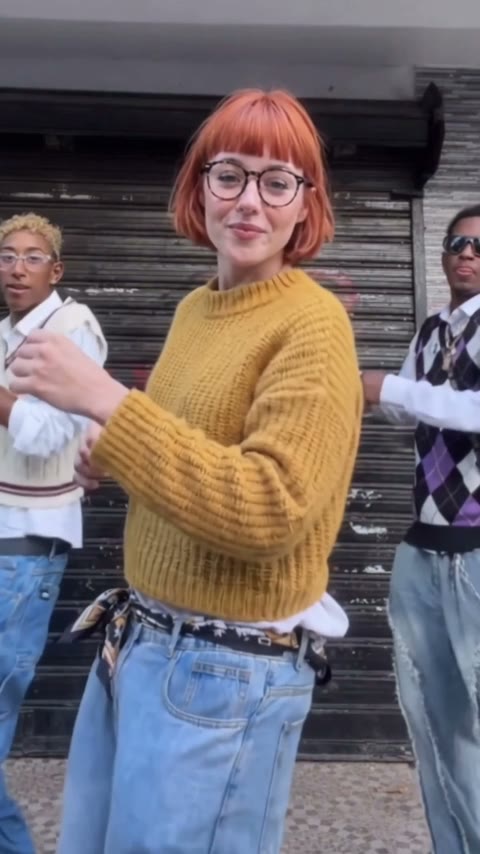
The middle spot in a street shoulder dance, vertical; works with pets
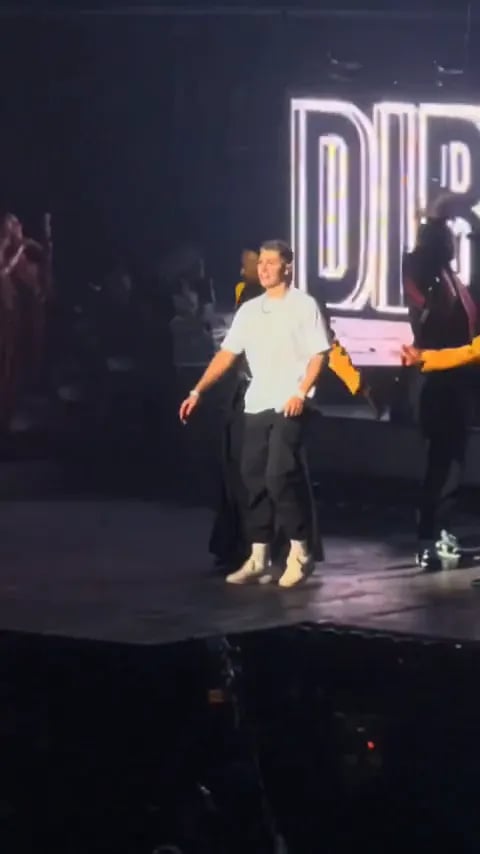
Talk Dirty Dance AI Video
Lead a concert crew past the flame jets, vertical; works with pets
AI dance video questions
Yes. Every dance effect works with one photo; in a two-person dance the second role keeps the effect's own performer until you add a second photo.
No. The moves come from the clip, so nobody has to dance or film.
Smalltown Boy: a pet stands up on its hind legs and does the moves.
Bulin 47 and Smalltown Boy are vertical 9:16, sized for TikTok, Reels and Shorts. Alors on Danse is a wide 16:9 clip.
Each effect shows its price in credits on the Generate button, and Standard 480P costs half of HD. Plans and credit packs are on the pricing page.
No. Each dance starts from its own finished clip, so you choose the dance rather than uploading a routine.
Signing up is free, but making a video takes credits, and the welcome credits on a new account don't cover one. Plans and credit packs are on the pricing page.
Your own, or an adult who agreed to be in the video. Photos of public figures and children aren't allowed.