

AI Genjutsu
Step into the clip everyone is remaking
Pick a viral effect, add a photo for each role, and get a short video where you do the dance, the meme or the goal. The moves and the camera are already in place.
- One photo per role
- 5–10 second clips
- HD 720P or SD 480P
- Credits back if a video fails
- One photo per role
- 5–10 second clips
- HD 720P or SD 480P
- Credits back if a video fails
Trending AI genjutsu effects
Each card is one trend. Open it to watch the example and add your photo.
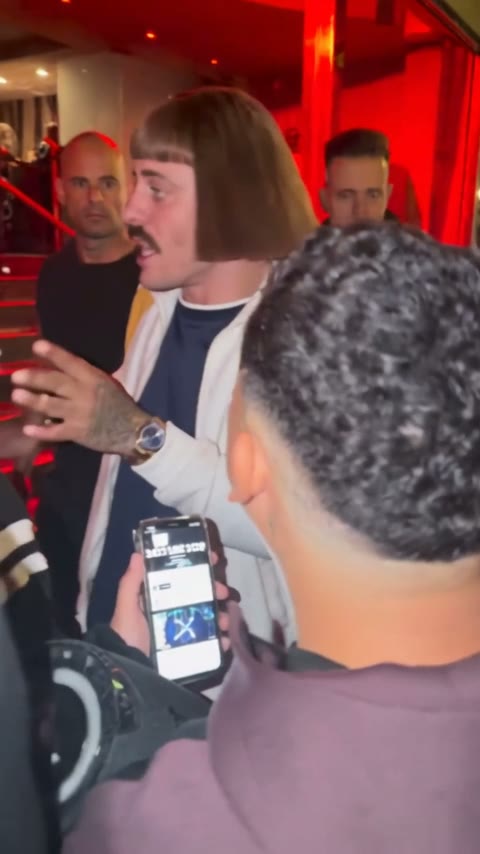
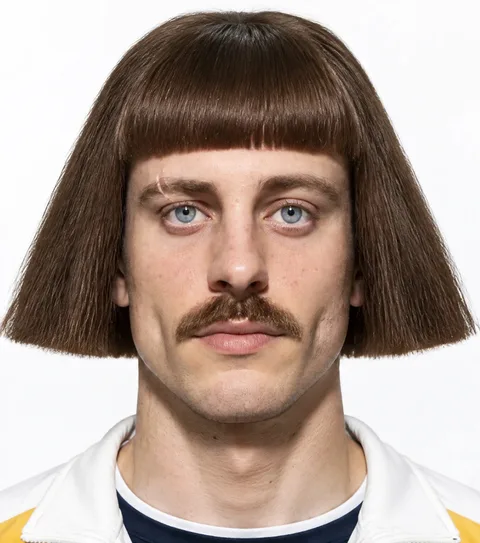
 58th Floor2 people · Meme
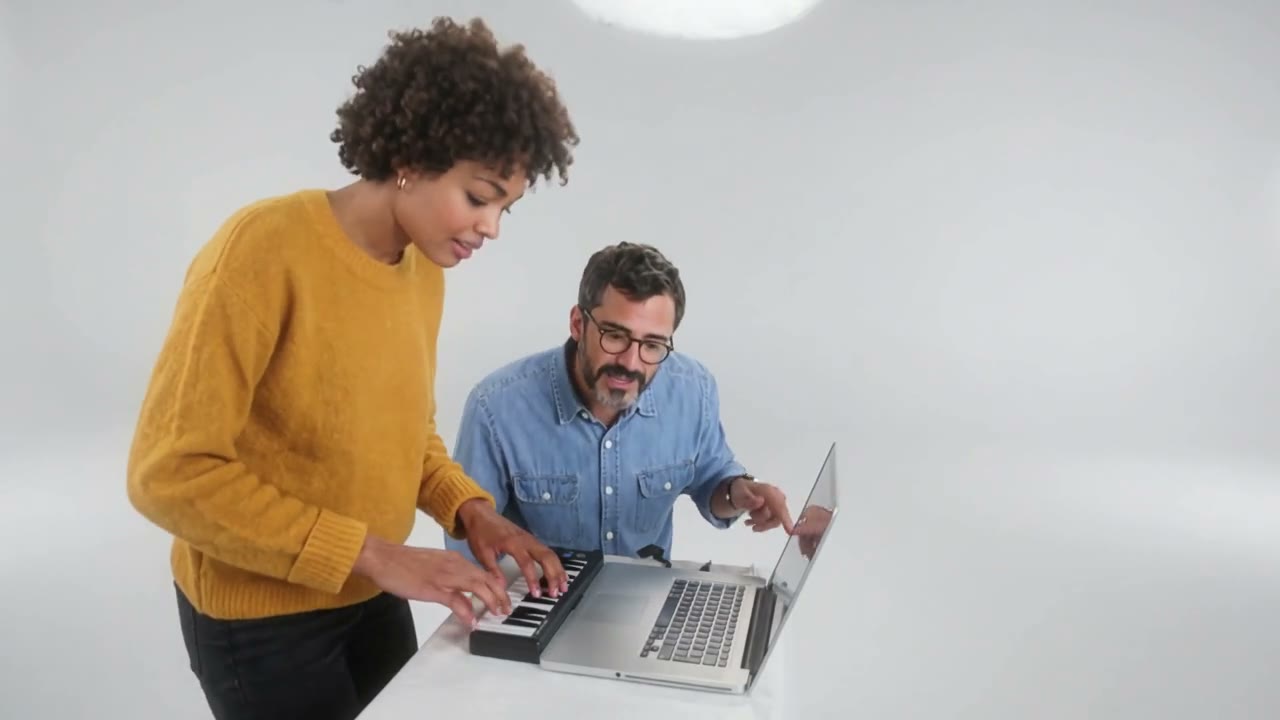 Alors on Danse1–2 people · Dance
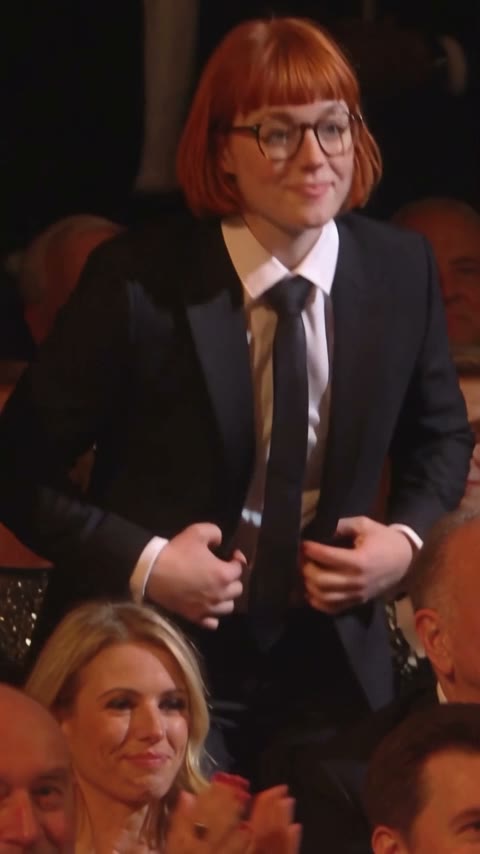 Ballon d'Or1 person · Sports
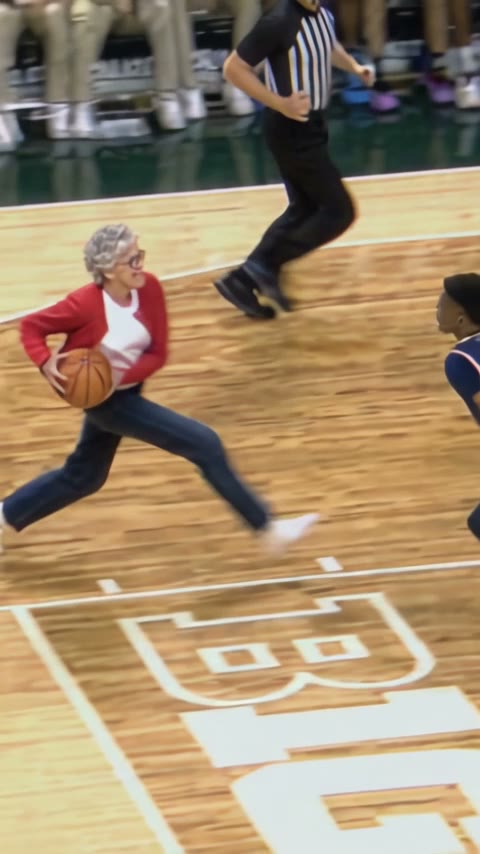 Basketball Dunk1 person · Sports
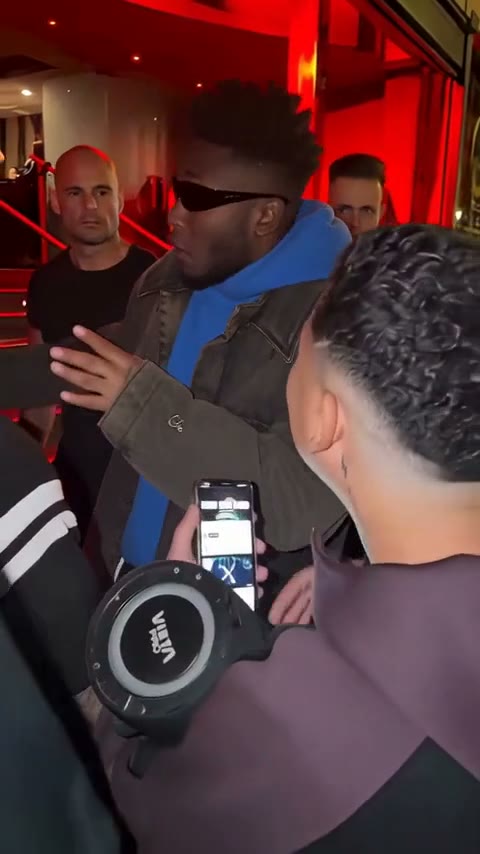 Bulin 471 person · Dance
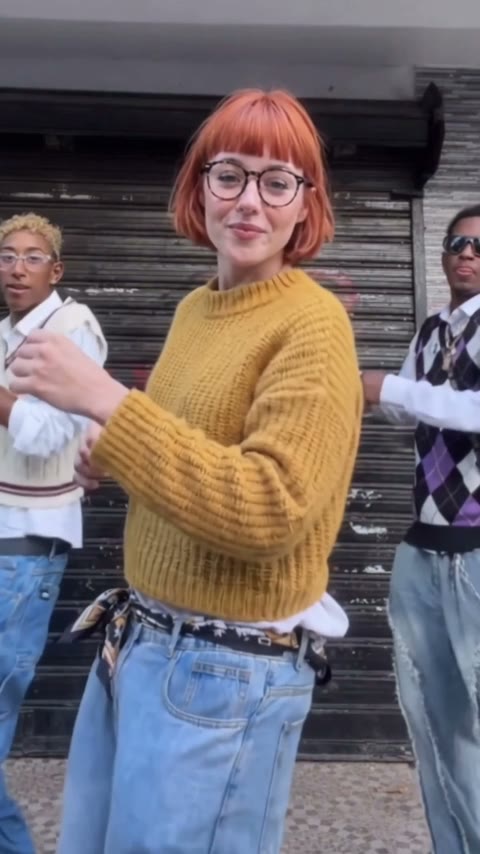 Dame Hombro Dance1 person · Dance
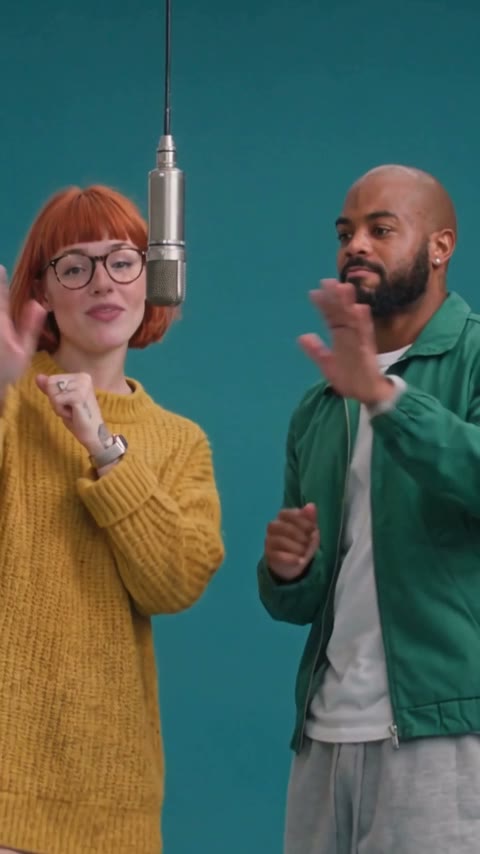
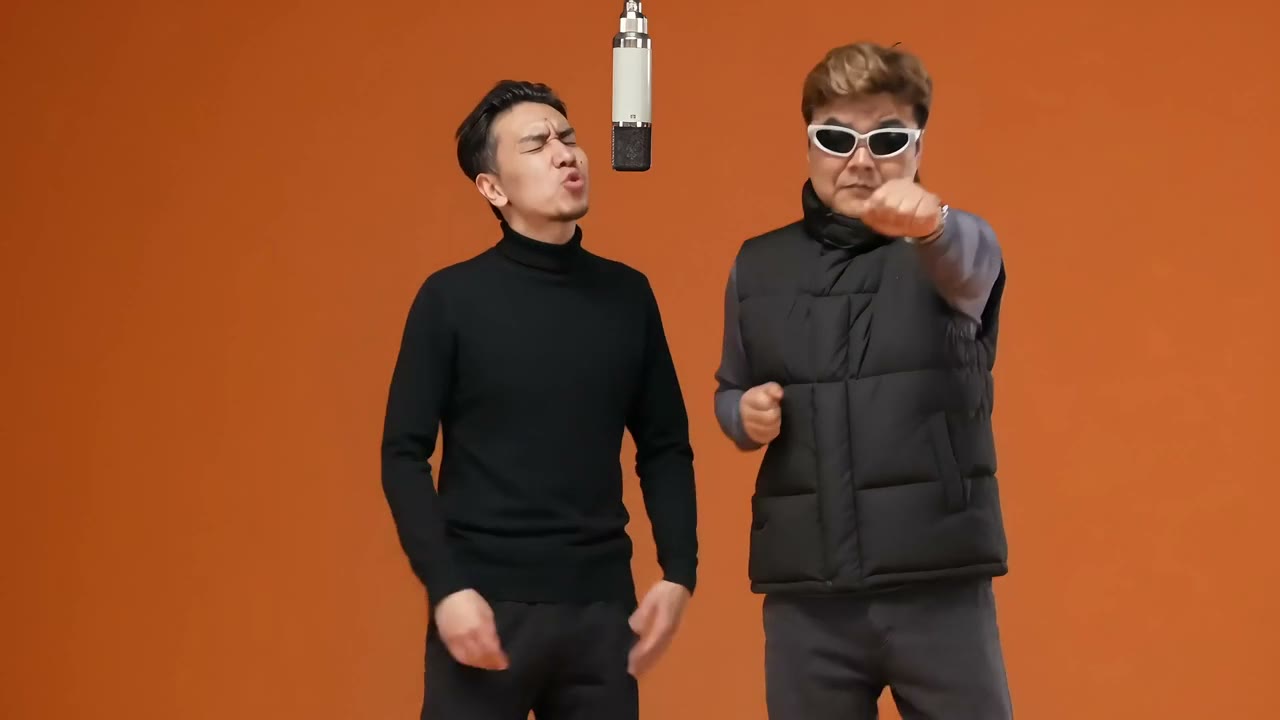 Hotel Lobby1–2 people · Meme
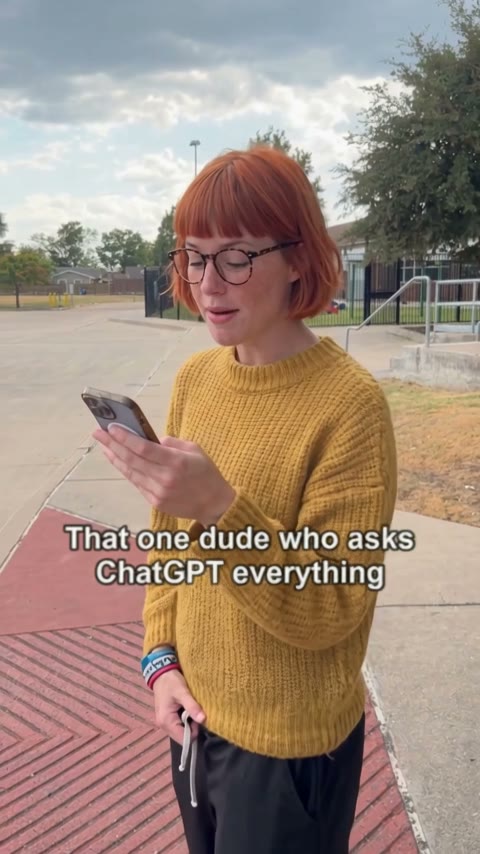 How I Become a Millionaire1 person · Meme
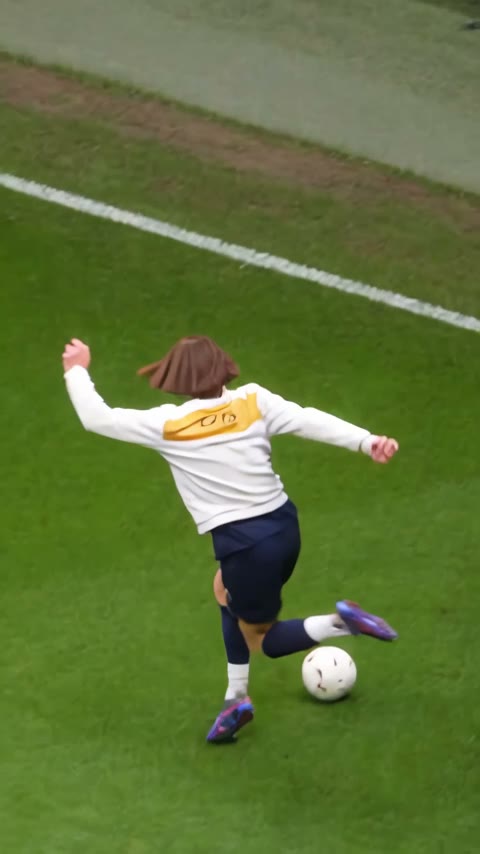 Lamine Yamal Rabona1 person · Sports
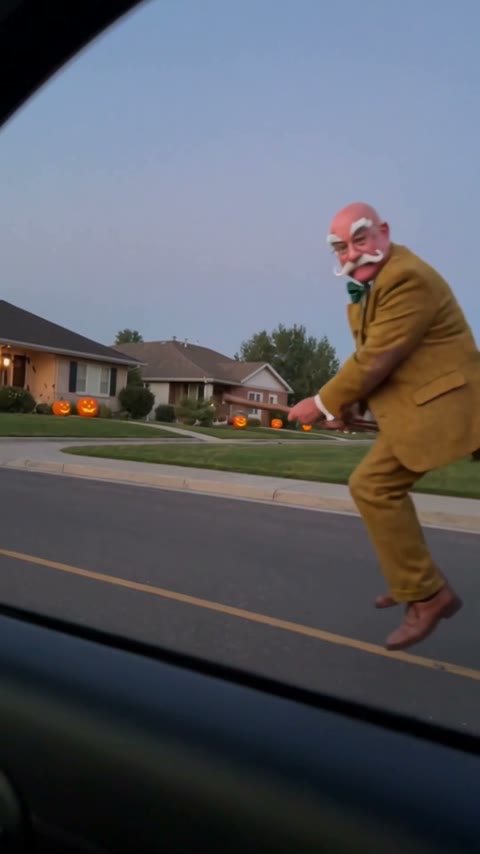 My Ride Is Here1 person · Meme
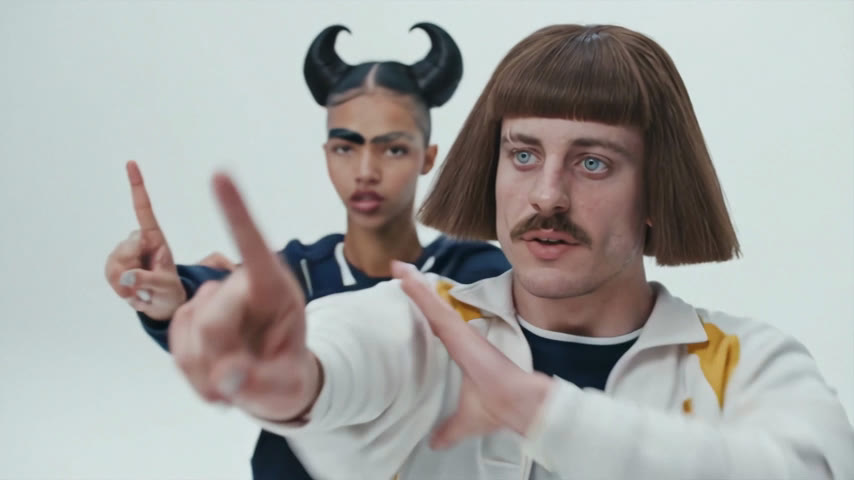 NEON Duo Dance2 people · Dance
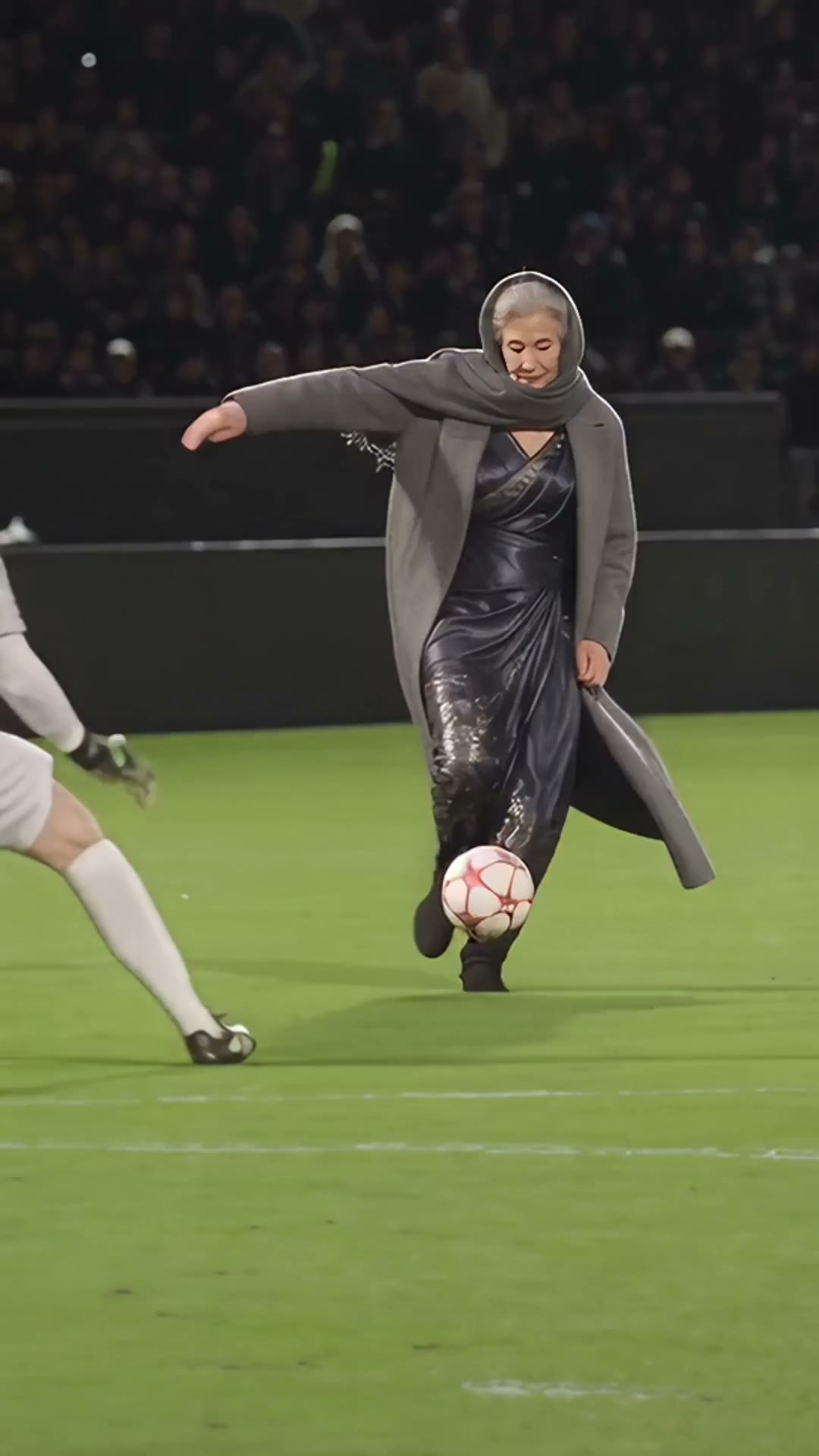 Ozil Goal1 person · Sports
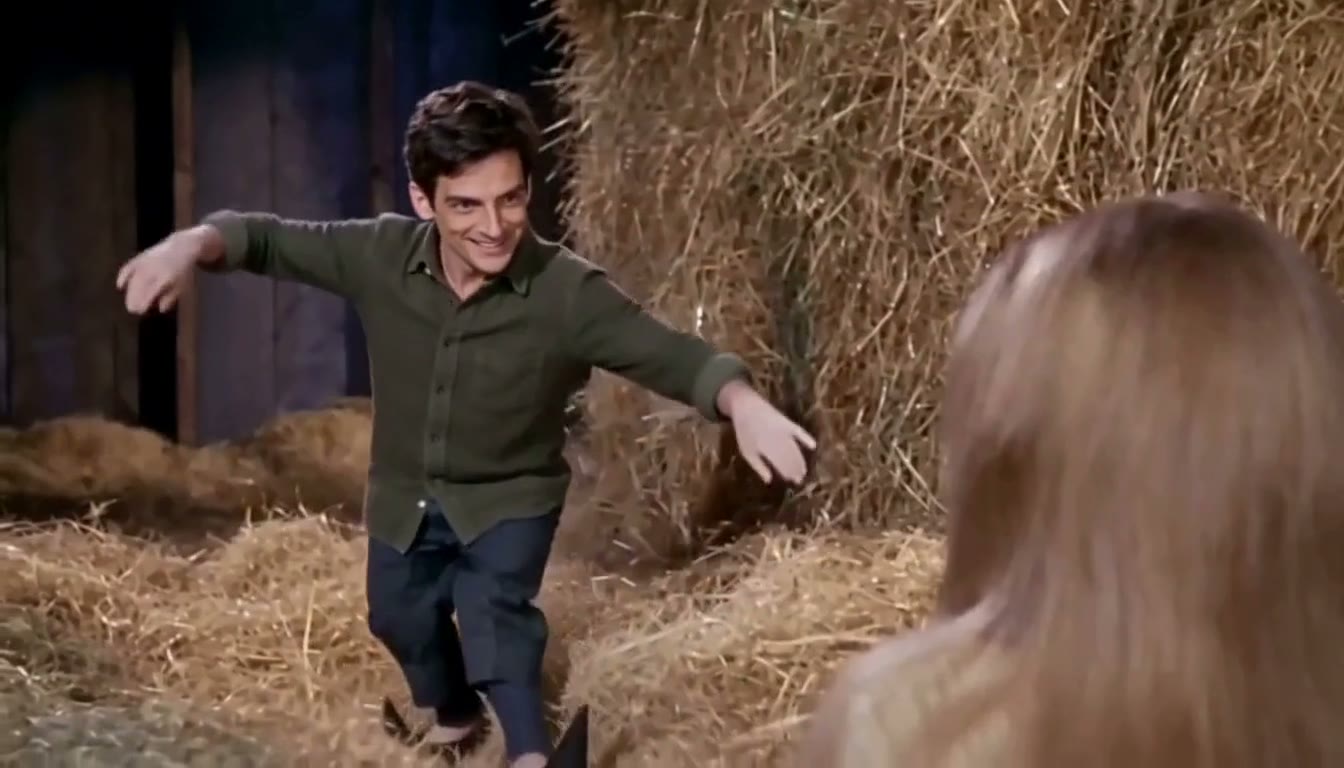 Rumpelstiltskin1–2 people · Meme
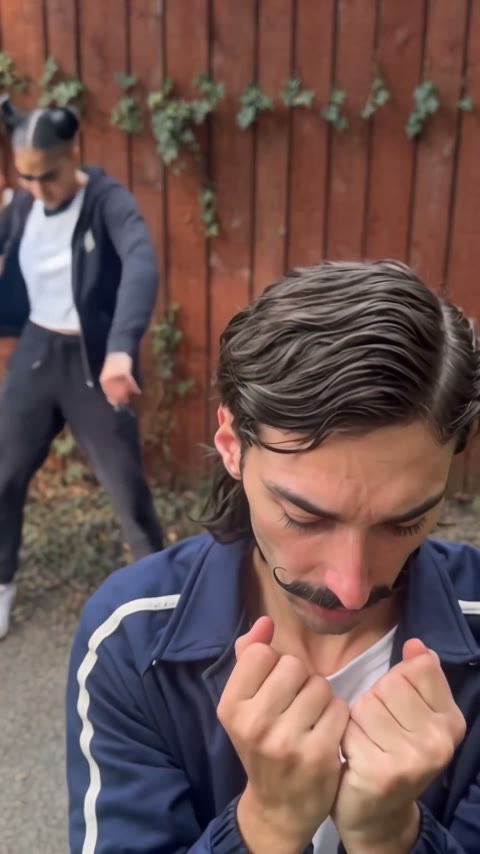 Smalltown Boy1–2 people · Dance
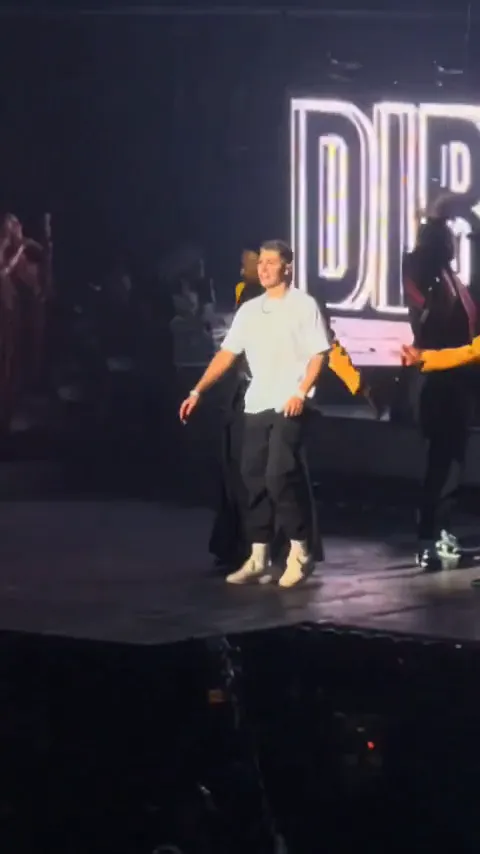 Talk Dirty Dance1 person · Dance
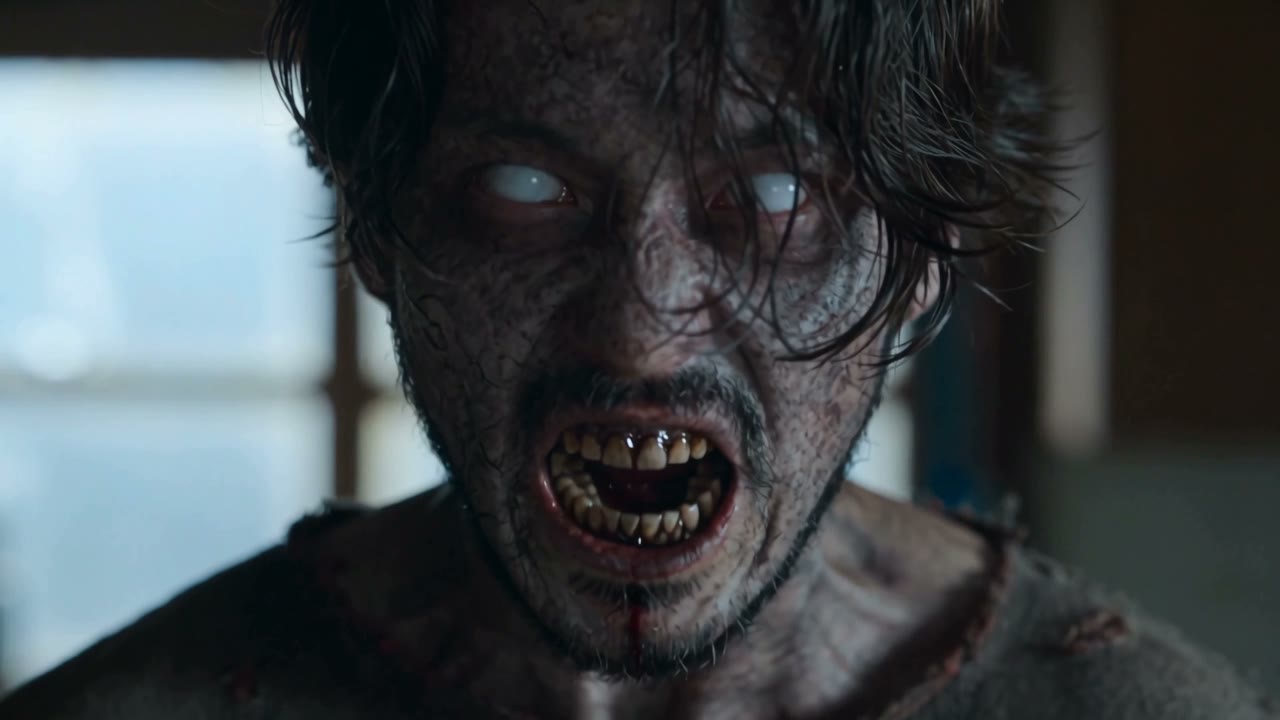 Zombie Couple1–2 people · Couples
What is AI genjutsu?
In Naruto, a genjutsu is an illusion that makes people see something that isn't there. An AI genjutsu video does the same with a clip: you appear in a scene you were never in, doing moves you never filmed. The term spread with Higgsfield's Genjutsu tool, released in September 2026, which moves a new performer into a video you upload.
AI Genjutsu works from the other end. Instead of bringing your own footage, you pick an effect made from a trend people are already posting: a dance, a meme, a famous goal. The clip, the moves and the camera are ready, so the only thing you add is a photo for each person. That keeps the result close to the trend you saw, and it takes a few taps instead of an editing session.
How to make an AI genjutsu video
- 1
Pick an effect
Browse the wall or open a category. Each card says how many people it takes; open one to watch its example clip first.
- 2
Add a photo for each role
One clear, front-facing photo per person. Two-person effects work with one photo too: an empty role keeps the effect's own performer.
- 3
Choose HD or SD and generate
HD 720P is the default; SD 480P is good for a quick test run. You can leave the page while it renders and pick it up in My videos.
- 4
Post it on TikTok
Upload it in TikTok and tap Add sound for the trend's sound (lower Original sound under Volume if you hear both). Turn on the AI-generated content label before you post.
Dances, memes, sports moments and pets
Every effect starts from a trend people already know, so the joke lands the moment it plays.
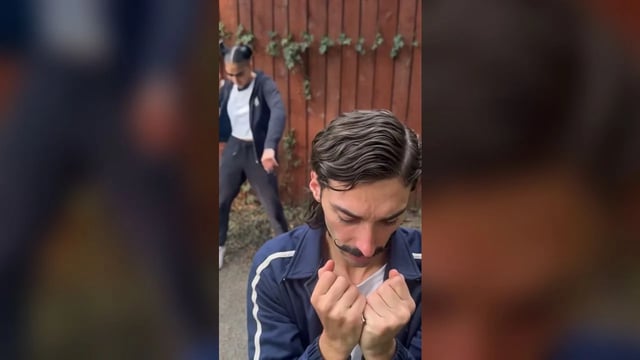
AI dance videos
Do the Alors on Danse keyboard jam, the Bulin 47 freestyle or the Smalltown Boy close-ups without learning a step.
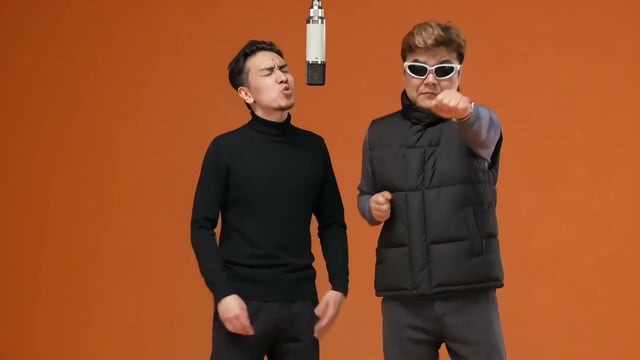
AI meme videos
Rap at the Hotel Lobby mic, ride a broom past a car window or tiptoe through the Rumpelstiltskin barn.
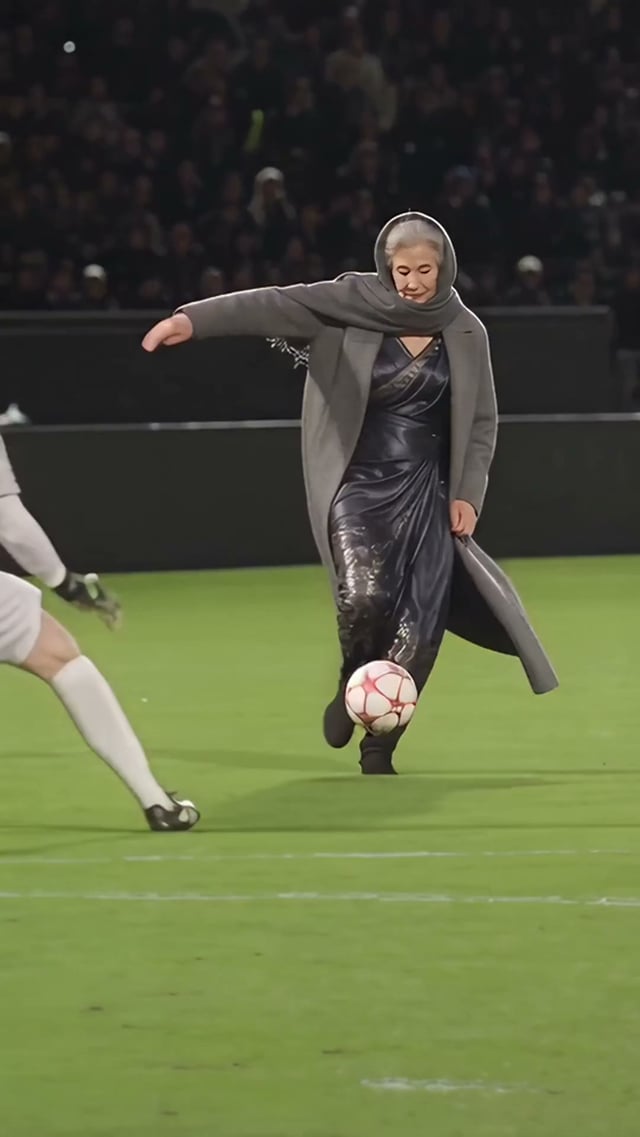
Sports moments
Score the famous Ozil solo goal, or leap over a defender for a dunk in front of a full arena.
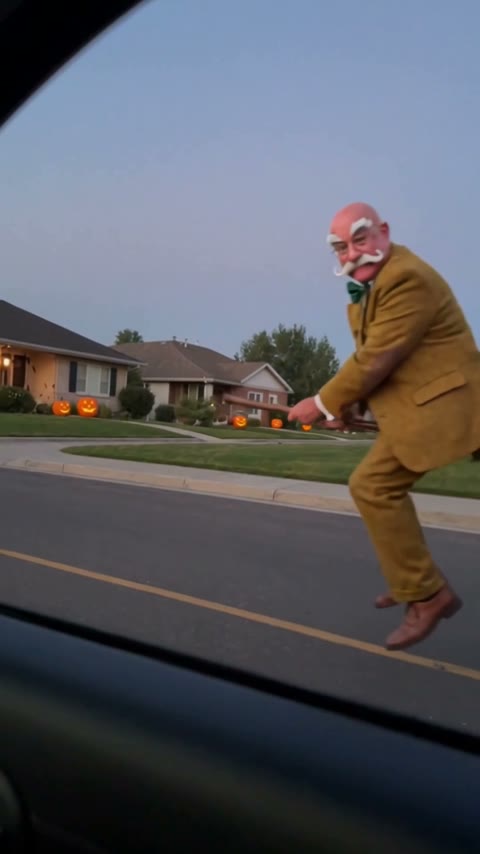
Starring your pet
My Ride Is Here and Smalltown Boy take a pet photo: your dog rides the broom or does the dance.
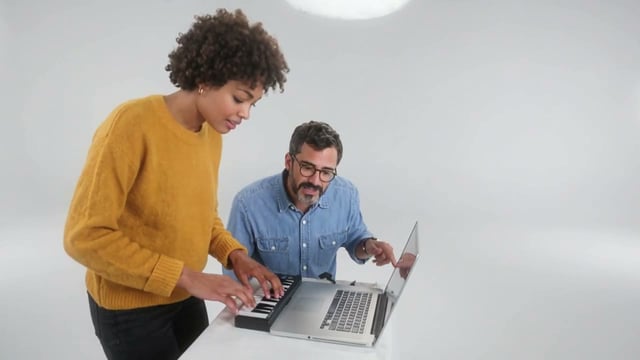
With a friend
Two-person effects take a photo for each role, so you and a friend share the clip.
AI Genjutsu vs. motion transfer tools
Both put a new person into a video. They suit different jobs.
| AI GenjutsuReady-made trend effectsPick an effect | Motion transfer toolsYour own clip as the source | |
|---|---|---|
| What you bring | A photo per role | A video to copy plus photos |
| Finding and trimming a clip | Not needed | Up to you |
| Moves and camera | Fixed by the effect, matching the trend | Whatever your clip does |
| Best for | Joining a trend in a few taps | Custom edits and your own footage |
Photos that make the effect look like you
Every effect draws each person from a single photo. A sharp, front-facing face does most of the work; the outfit in the photo is usually the outfit in the video.
Works best
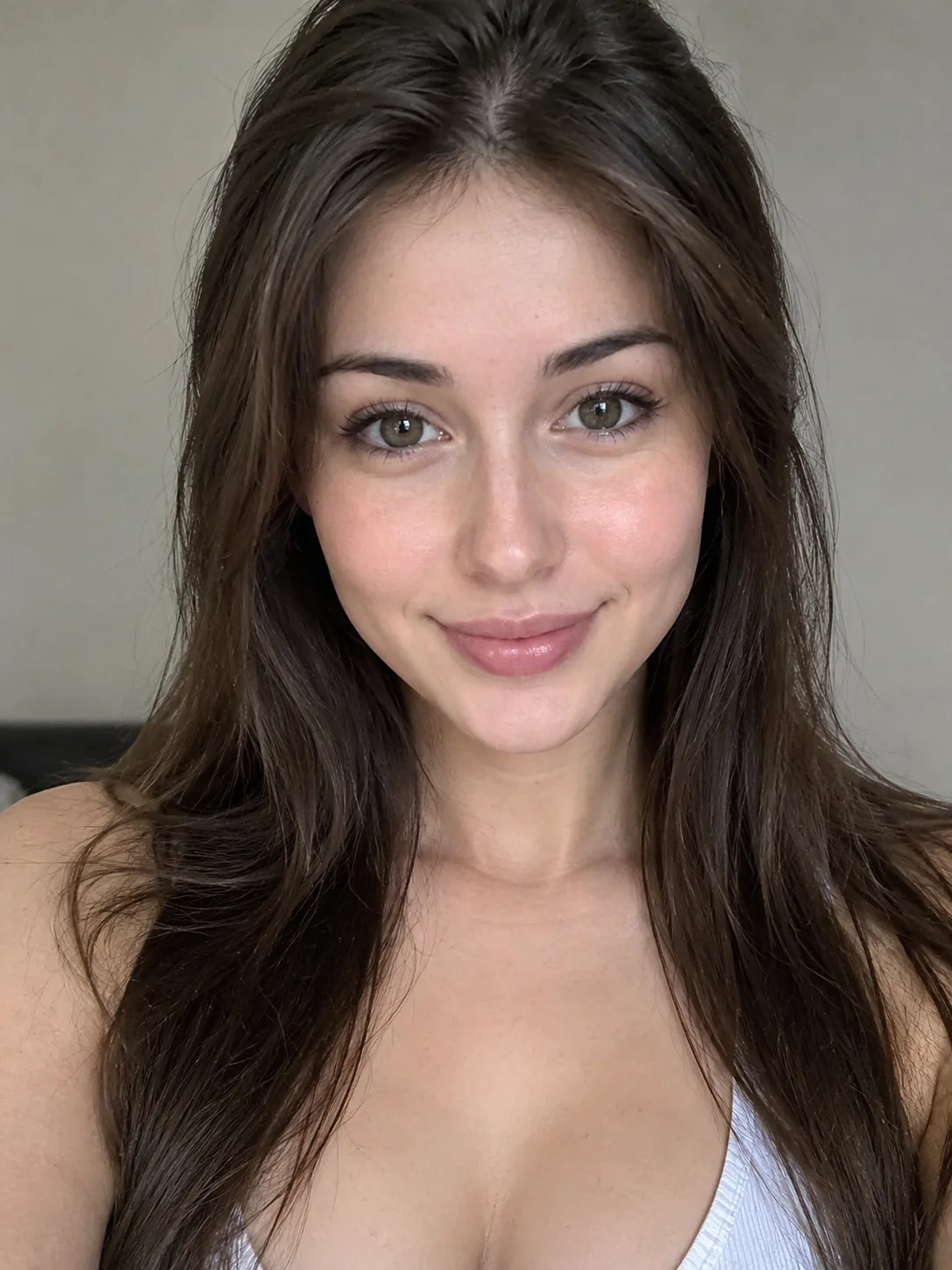 Face the camera
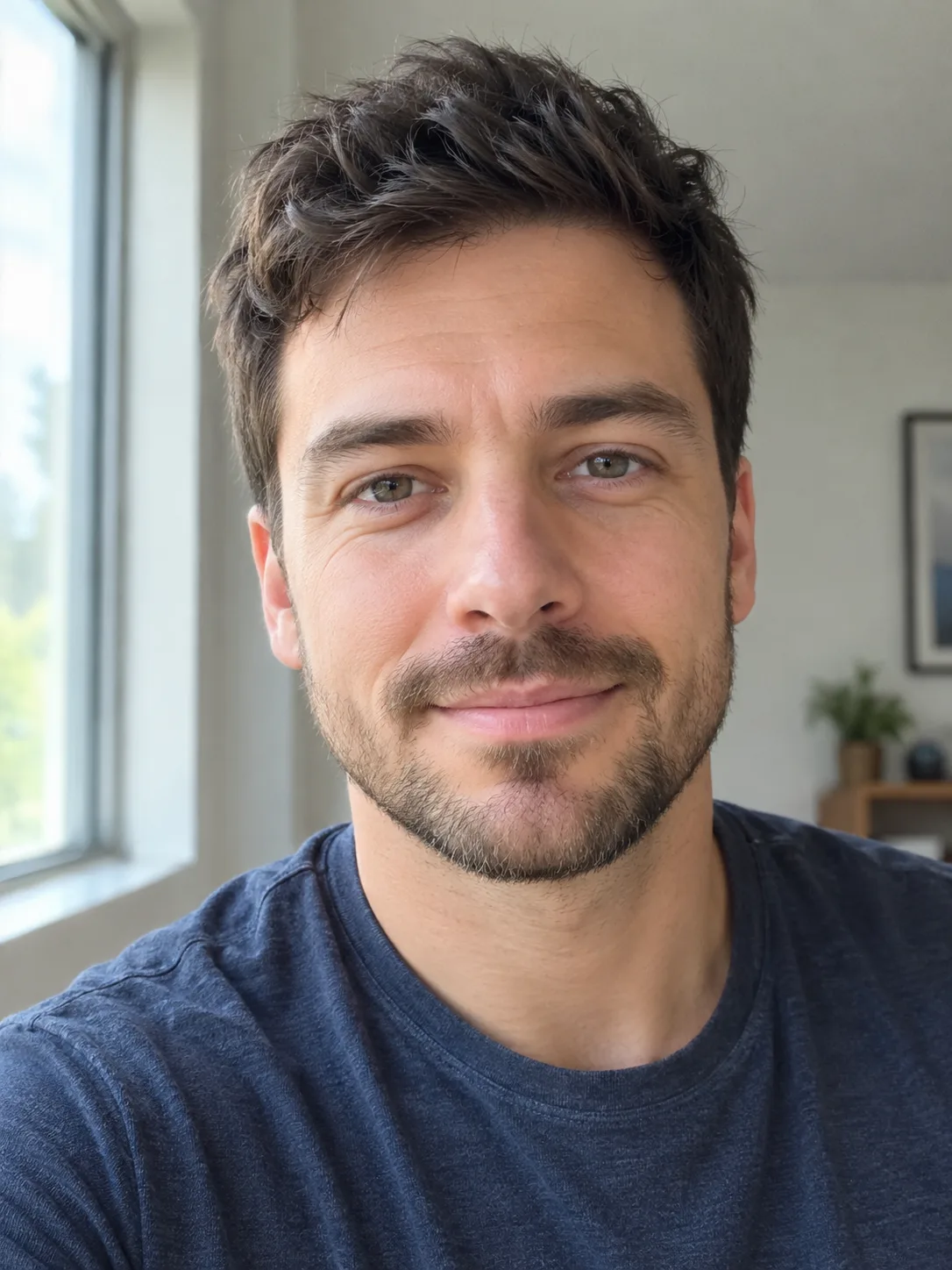 Even light
 Head and shoulders in frame
Avoid
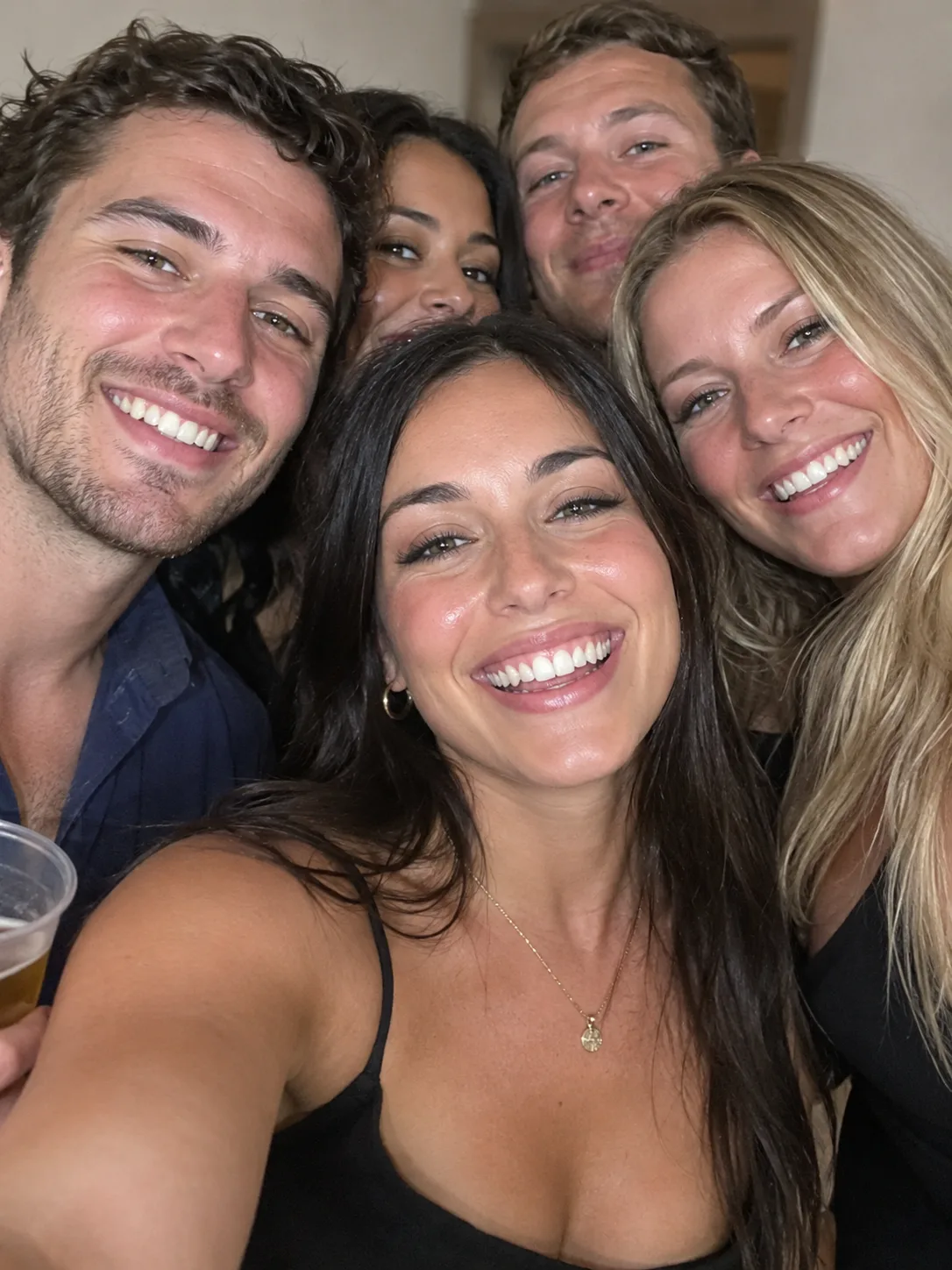 Group photos
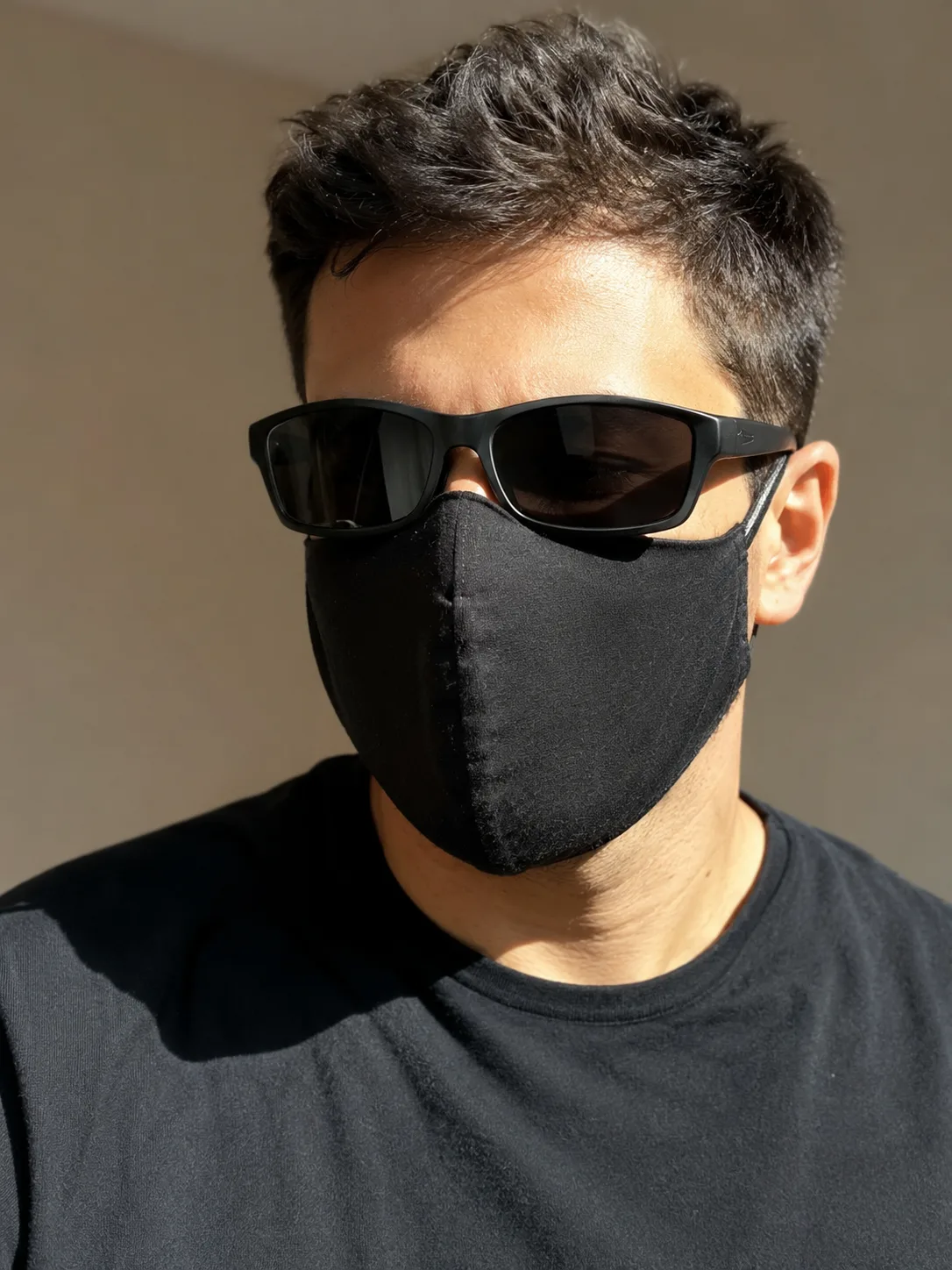 Sunglasses or masks
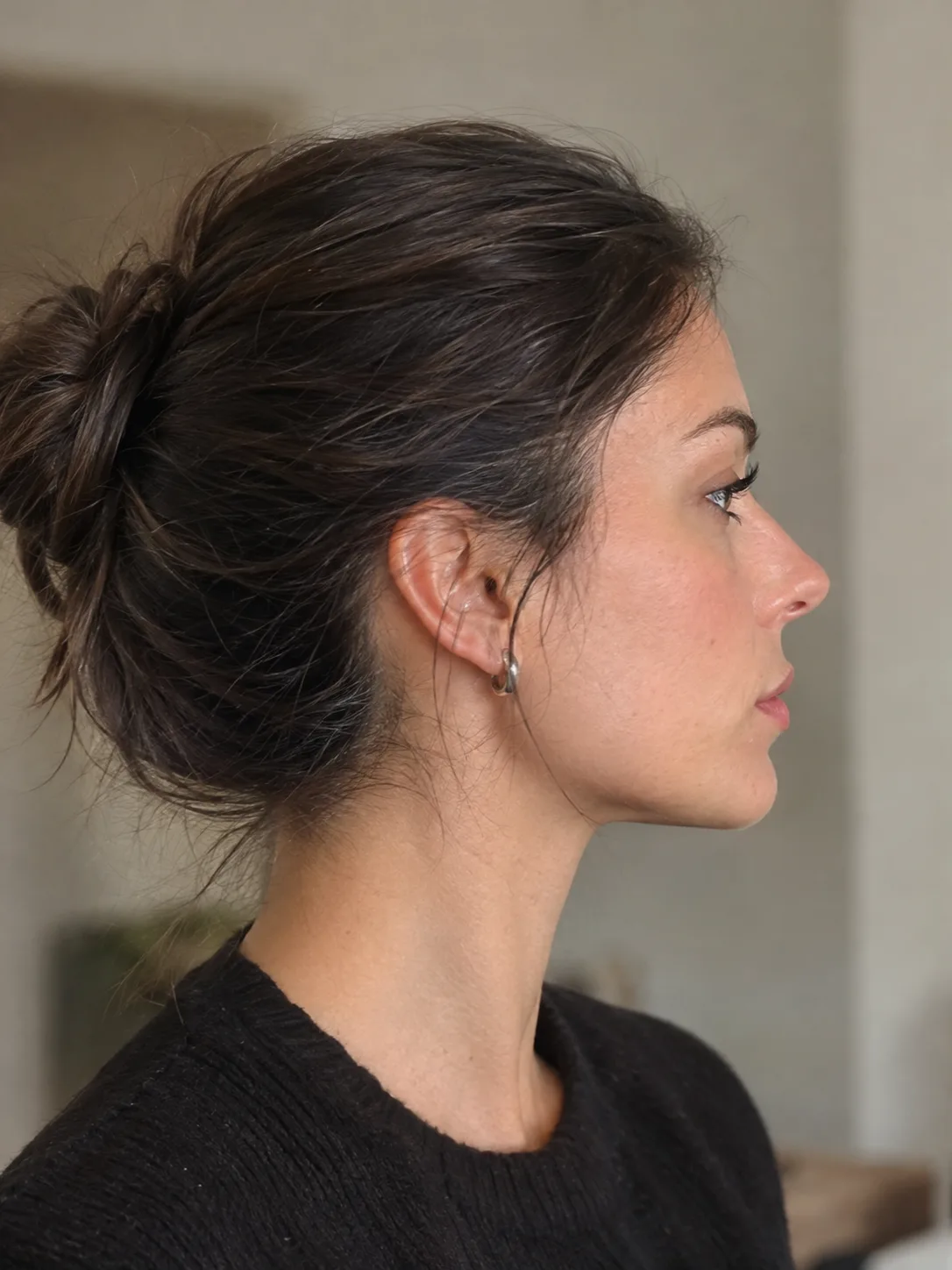 Side profile
Video length, frame and quality
- Length
- 5–15 seconds
- Set by each effect
- Frame
- Vertical 9:16 or wide 16:9
- Shown on every effect card
- Quality
- HD 720P or SD 480P
- SD costs half the credits
- People
- 1 or 2 per effect
- Some effects take pets
- Saved
- 30 days in My videos
- Download the ones you keep
- If it fails
- Credits come back
- Automatically
- Watermark
- None
- Downloads are ready to post
- Price
- From $9.90
- One-time pack, no subscription
- Your photos
- Deleted after about 30 days
- Not used to train our models
Plans and credit packs
Every card says how many seconds of video it makes. Plans renew monthly or yearly; packs never expire.
Every plan, half off
Offer ends November 30 at 11:59 PM PST.
Starter
Black Friday · 50% OFF16 s of HD video a month, or 32 s in SD. Resets every month.
Original price: $19.80/ mo Billed monthly
- Credits per month
- 640
- All models, including Premium
- Starts instantly, no wait
- Creations kept while subscribed
- Commercial use license
Popular
Plus
Black Friday · 50% OFF40 s of HD video a month, or 80 s in SD. Resets every month.
Original price: $39.80/ mo Billed monthly
- Credits per month
- 1,600
- All models, including Premium
- Starts instantly, no wait
- Creations kept while subscribed
- Commercial use license
Pro
Black Friday · 50% OFF82 s of HD video a month, or 164 s in SD. Resets every month.
Original price: $79.80/ mo Billed monthly
- Credits per month
- 3,280
- All models, including Premium
- Starts instantly, no wait
- Creations kept while subscribed
- Commercial use license
Max
Black Friday · 50% OFF166 s of HD video a month, or 332 s in SD. Resets every month.
Original price: $159.80/ mo Billed monthly
- Credits per month
- 6,640
- All models, including Premium
- Starts instantly, no wait
- Creations kept while subscribed
- Commercial use license
Failed runs are refunded automatically · Cancel anytime
AI Genjutsu questions
It turns viral clips into effects you can star in. Pick an effect, add a photo for each person and get a short video where you take the lead role.
No. AI Genjutsu is an independent site and is not affiliated with Higgsfield. Higgsfield's tool works from a video you upload; AI Genjutsu works from its own library of trend effects.
Not here. Every video starts from one of the site's effects, which is what keeps the moves and the camera matching the trend. You only add photos.
Your own, or an adult who agreed to be in the video. Photos of public figures and children aren't allowed.
In some effects, yes. Smalltown Boy and My Ride Is Here take a pet photo for a role, and the pet does the same moves.
Yes. Most effects are vertical 9:16, sized for those apps. Wide 16:9 effects show with bars above and below there, and fit X and YouTube as they are.
HD 720P is sharper and is the default. SD 480P costs half the credits, which is handy for trying an effect before making the final version.
Signing up is free, but making a video takes credits. Plans give you credits every month, and packs are one-time credits that never expire. If a video fails, its credits come back.
The price follows the length and the quality, and the Generate button shows it before anything is charged. SD 480P costs half of HD, and a 5-second effect costs half of a 10-second one. The $9.90 pack makes one 10-second HD video with credits left over, or three 10-second videos in SD, with no subscription. Plans start at $9.90 a month.
No. Every video downloads without a watermark, ready to post.
They are used only to make the video you asked for, show it in your history and run safety checks. They are not used to train our models or to identify anyone. Uploads and videos are deleted about 30 days after they are made (they stay while you have an active subscription), and you can ask support to delete them sooner.
Each person comes from one photo: the face, the hair and usually the outfit. A sharp, front-facing photo in even light gets the closest likeness; sunglasses, side profiles and group shots make it harder. If you are unsure about a photo, try the effect in SD first.
No. Each effect already has its moves, scene and camera set, so you only pick the effect and add a photo for each person.
In My videos, in your account, for 30 days. You can leave the page while a video renders and come back for it; download the ones you want to keep.