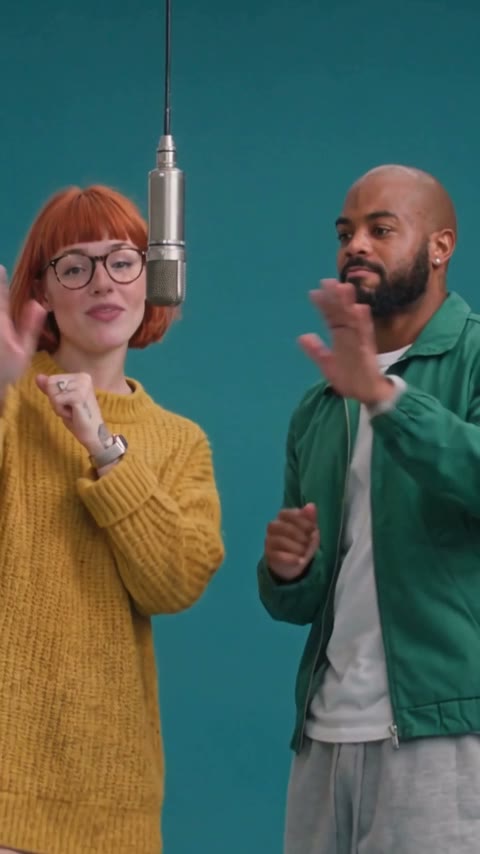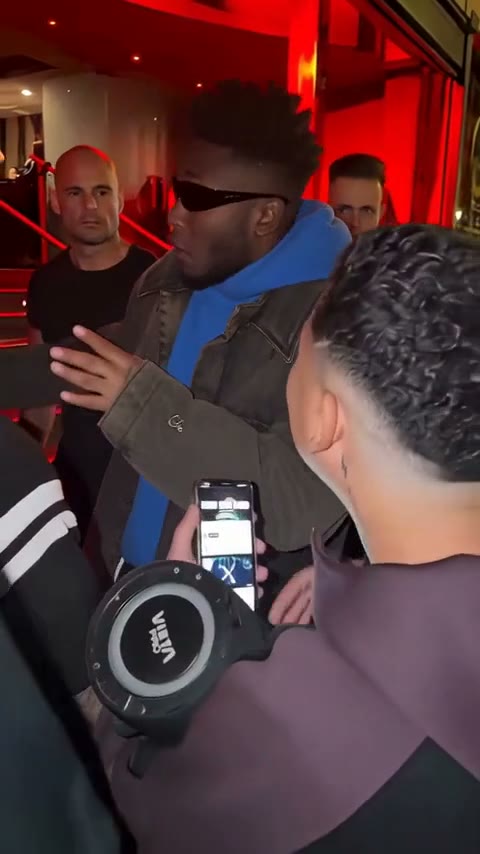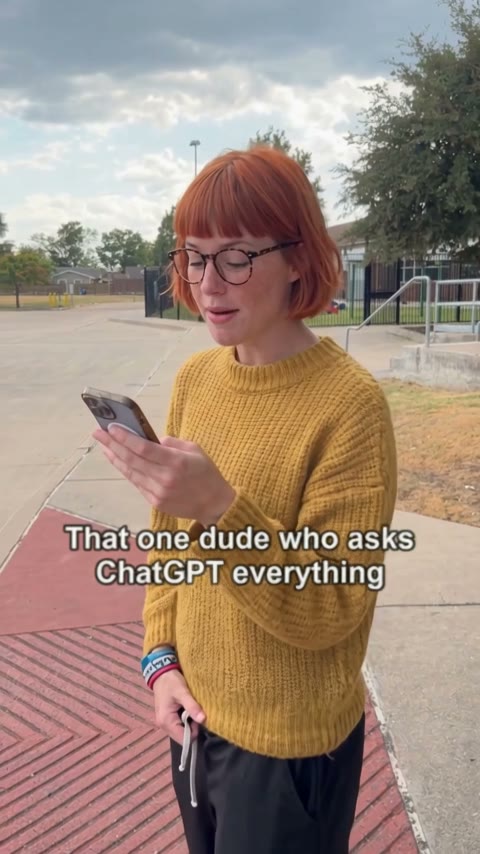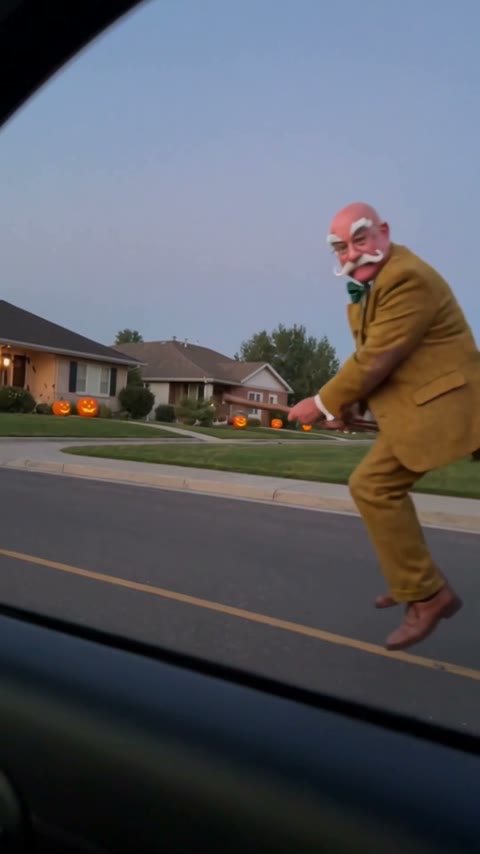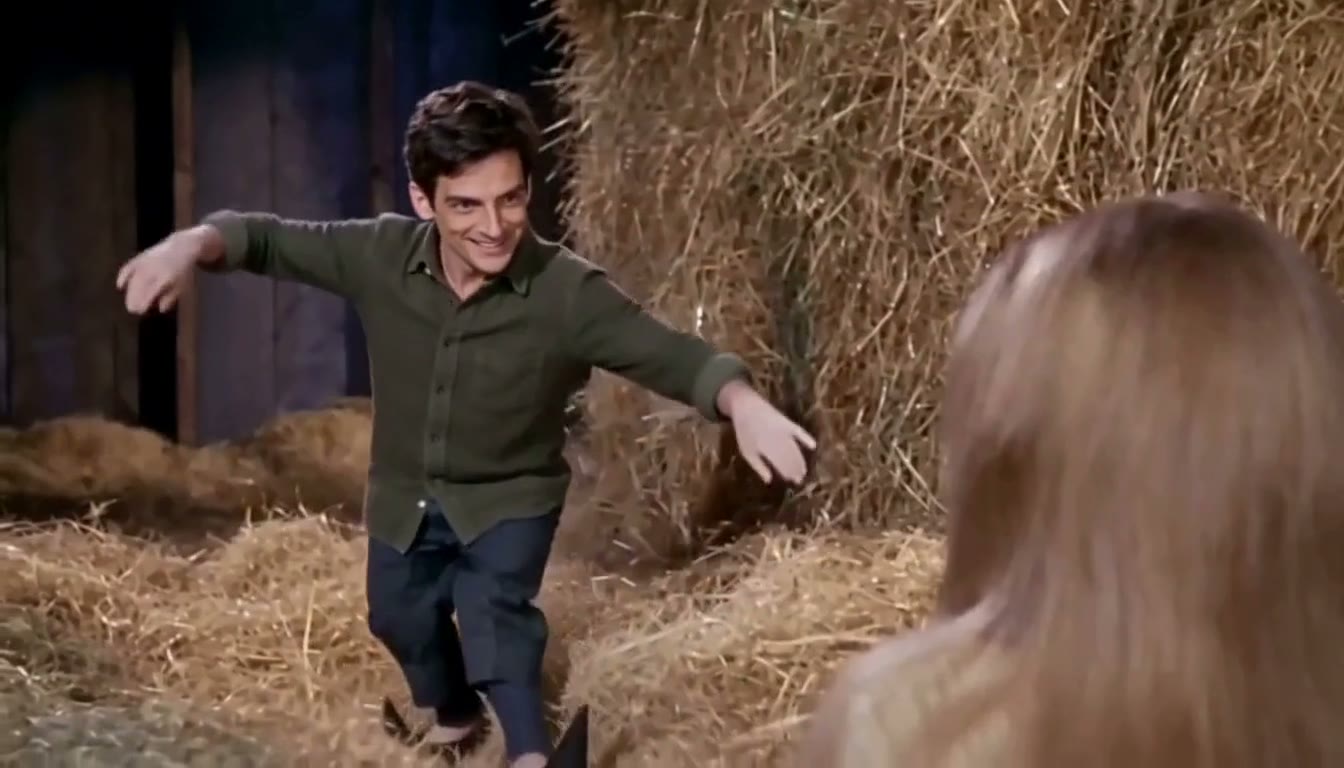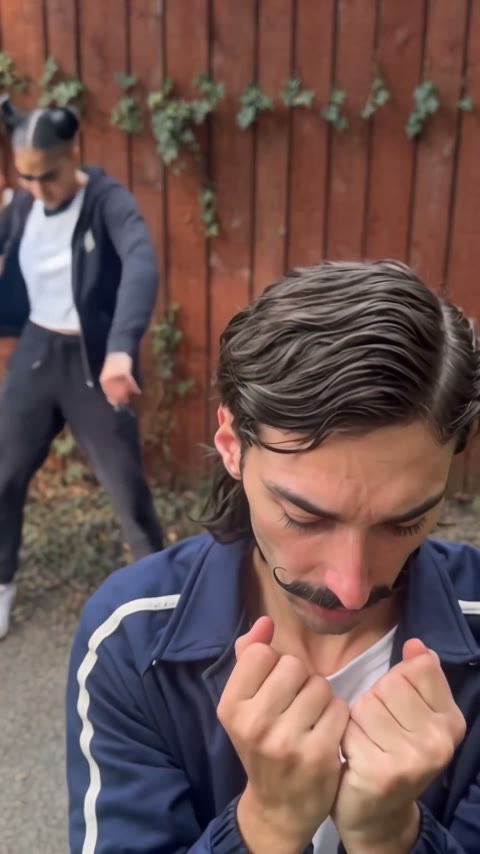

A black turtleneck and white sunglasses · HD 720P
The example on the board above: the orange room and the hanging mic stay exactly where they are.
Add a photo for the left of the mic, the right, or both. Leave a side empty and it keeps the effect's own performer.
Fill at least 1 of 2 roles
One person per photo, face clearly visible. JPG, PNG or WebP up to 10 MB.
You step up to the hanging mic in the bare orange room of the Hotel Lobby AI trend, trading lines, pointing and turning away from the camera. Take one side, or bring a friend for the other. A 10-second wide clip.
Each made with this effect from one photo per side. Tap a clip to play it.
The example on the board above: the orange room and the hanging mic stay exactly where they are.
Two very different looks trading lines at the mic, each in the outfit from their photo.
"Hotel Lobby" is a 2022 track by Quavo and Takeoff, and the trend comes from their performance of it on A COLORS SHOW: an orange room, one hanging microphone and two rappers trading lines. The AI versions put friends, grandparents and costume characters where the duo stood. It also goes around as AI Hotel Lobby and, because both rappers were in Migos, as the Migos AI video.
You don't need an orange wall or a hanging mic: the room, the moves and the camera are already in the clip.
Where the clip comes from, and what this effect gives you.
The one on the left raps toward the mic; the one on the right points, gestures and turns away from the camera. Put the friend with more energy on the right.
A clear, front-facing photo per person. The outfit in the photo is the outfit in the video. Leave a side empty and it keeps the effect's own performer.
HD 720P is the default; SD 480P is good for a quick test run. You can leave the page while it renders.
The 10-second wide MP4 waits in My videos. It fits X and YouTube as it is; on TikTok and Reels it shows with bars above and below.
One takes the mic, the other points and hypes from the right. Ask both first.
Put the quietest one on the mic and the loudest voice in the office on the right.
Post it as your duo's entry in the trend.
The less likely the pair, the better the clip lands. Get their OK first.
What each way takes, and what you get back.
| This effectYour photo in the finished clipAdd your photo | Filming it yourselfRecreate the scene for real | A text-to-video promptWrite the scene from scratch | |
|---|---|---|---|
| What you need | One or two photos | An orange wall, a hanging mic and two performers | A long, detailed prompt |
| Looks like the trend | Yes: same room, moves and camera | Close, with a set and practice | Rarely: the scene is invented each time |
| Effort | Add photos and wait for the render | Build the set, rehearse and film | Write and rewrite prompts |
| Who is in it | Anyone whose photo you add | Whoever is there | Whoever the model draws, unless it takes a reference photo |
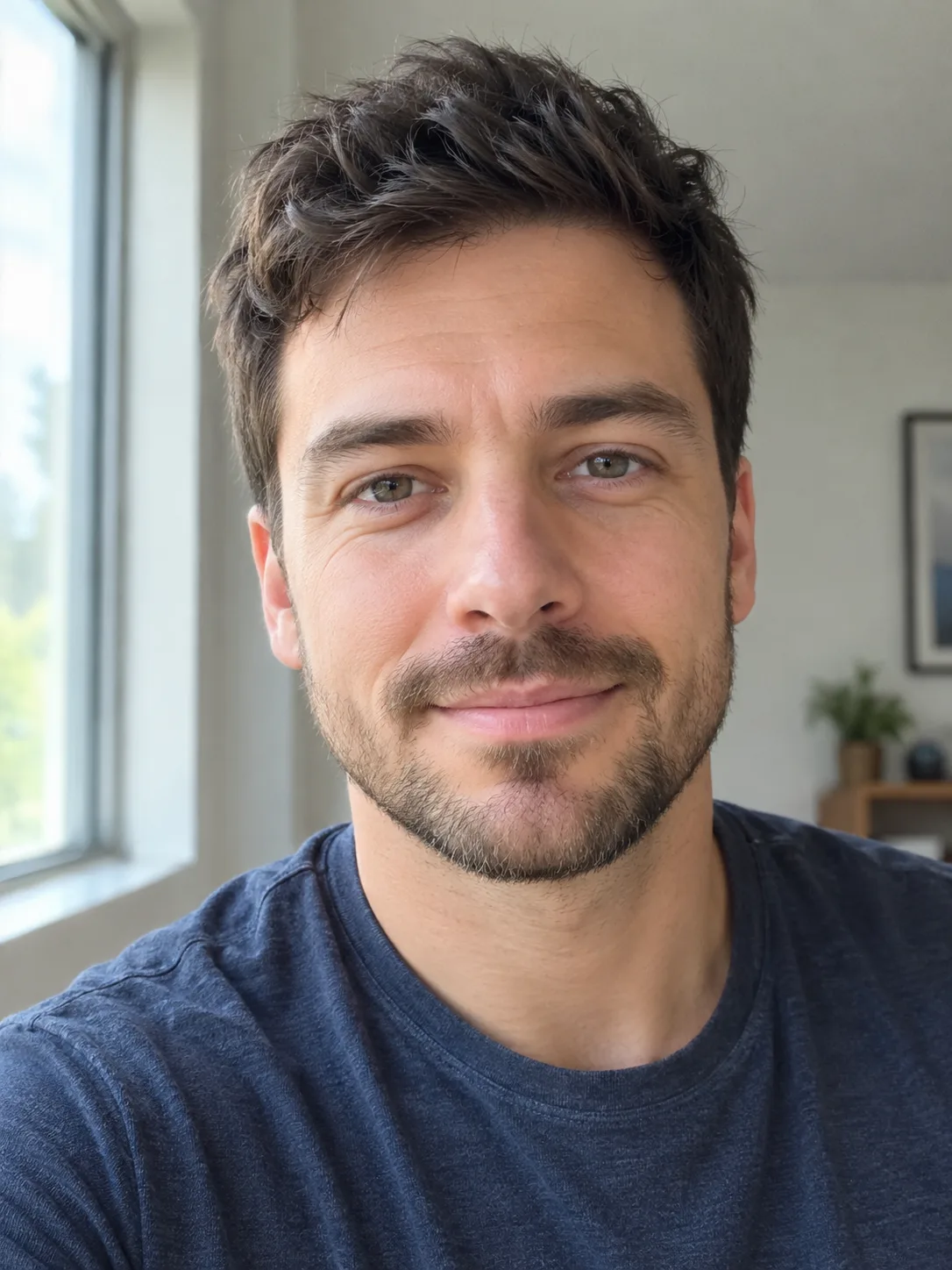
The room is bright and plain, so faces and outfits are easy to see. Pick a photo where the face is sharp and the clothes are ones you're happy to wear on camera.
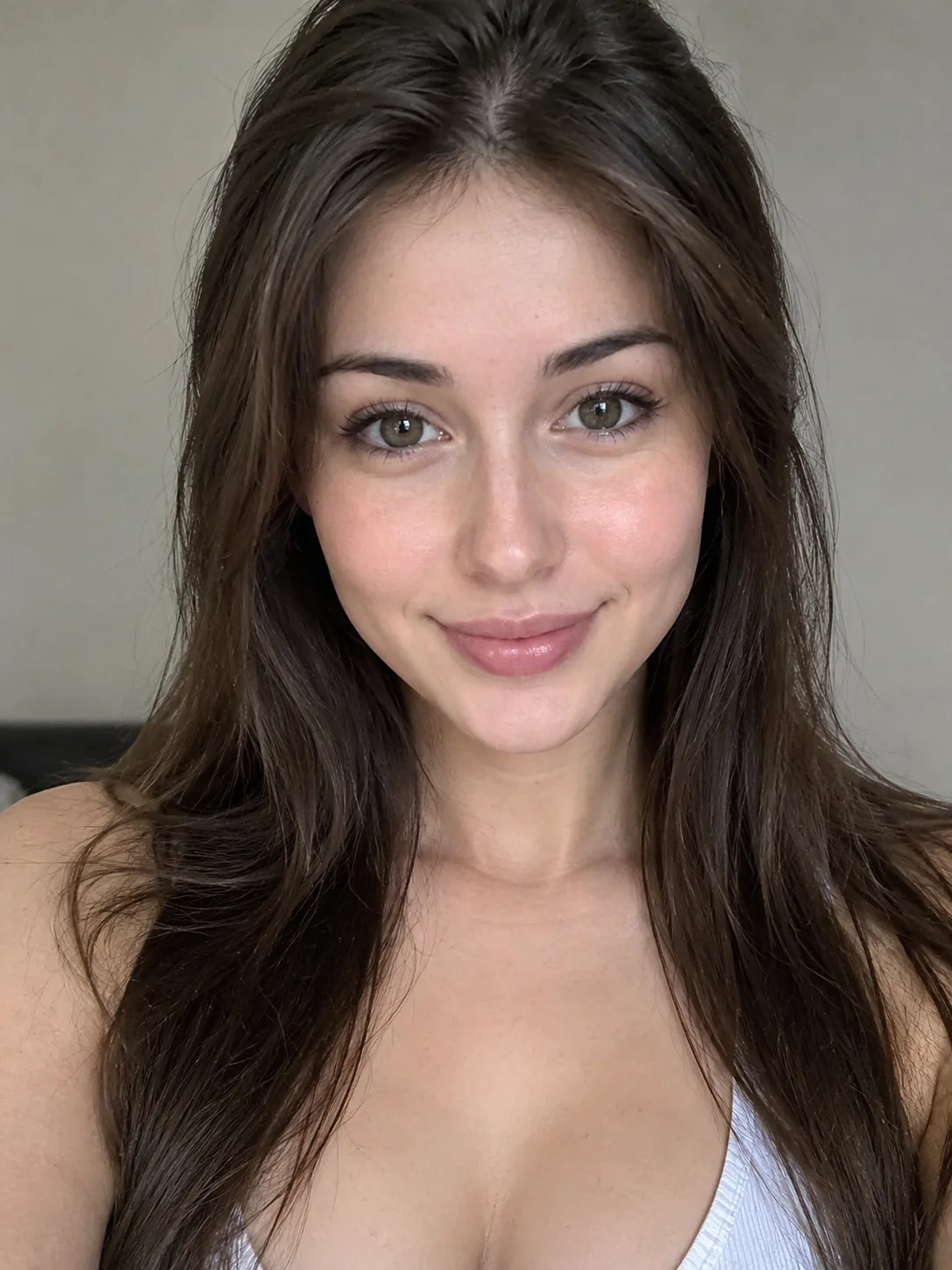 Face the camera
 Even light
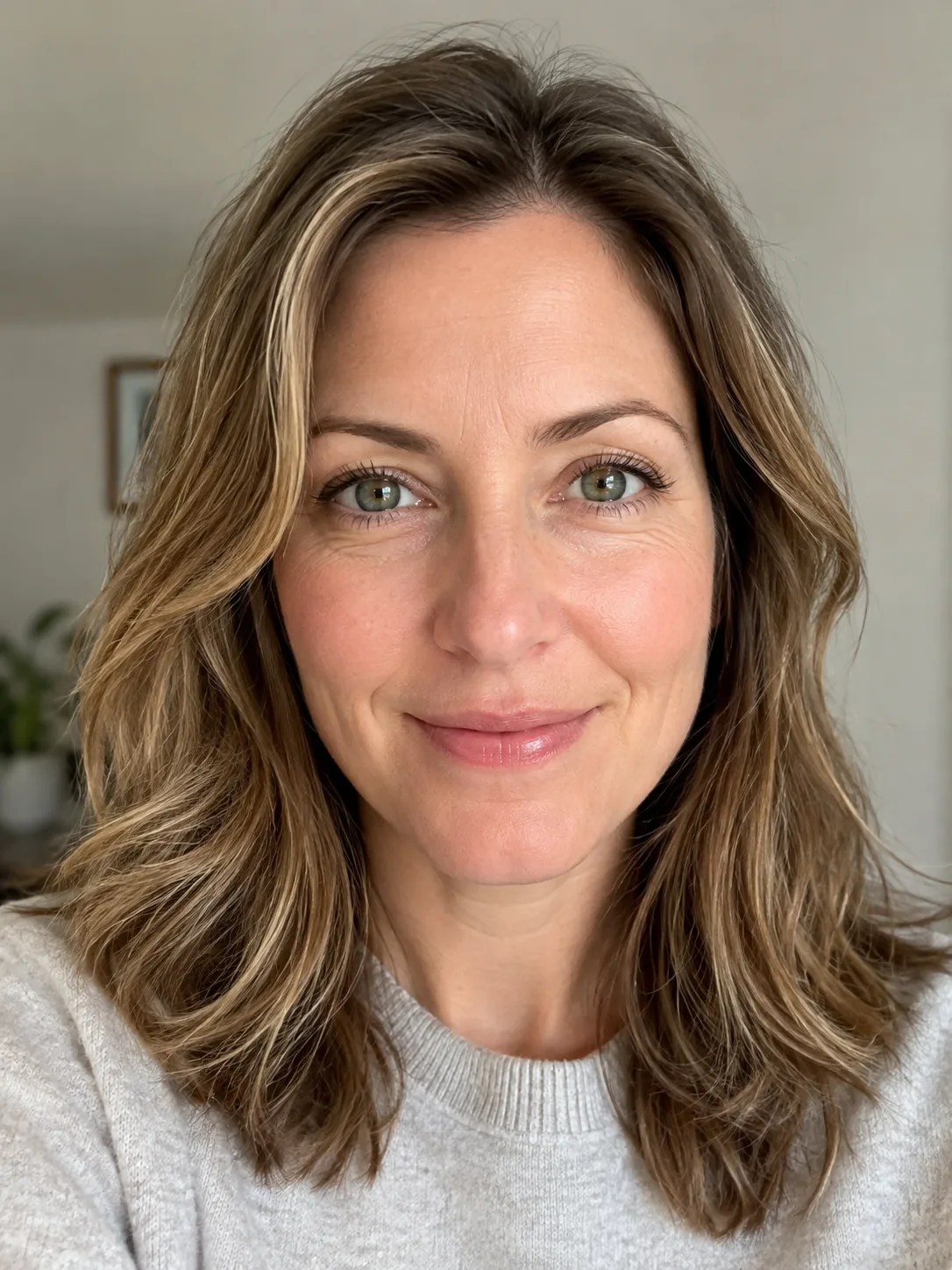 Head and shoulders in frame
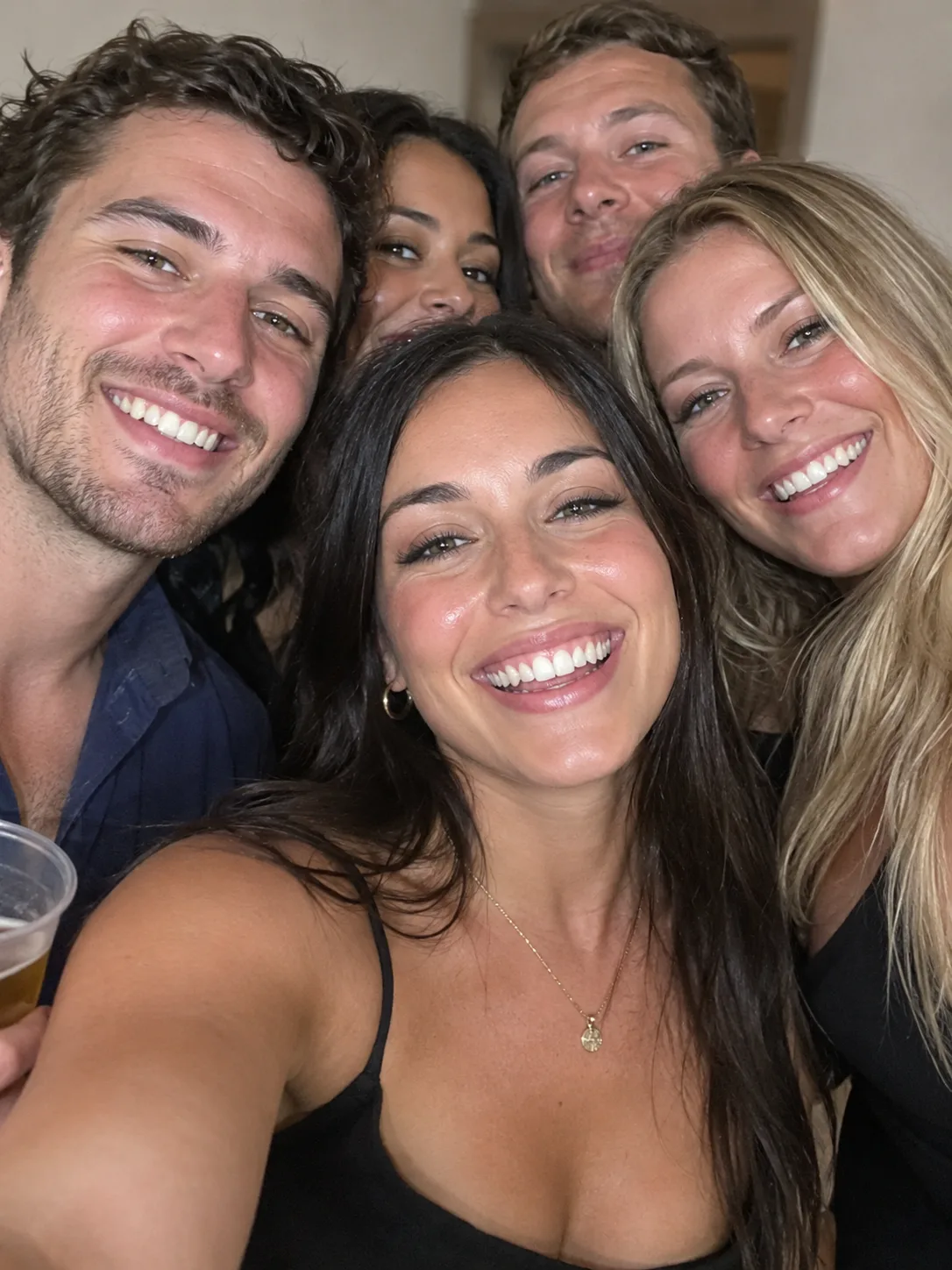 Group photos
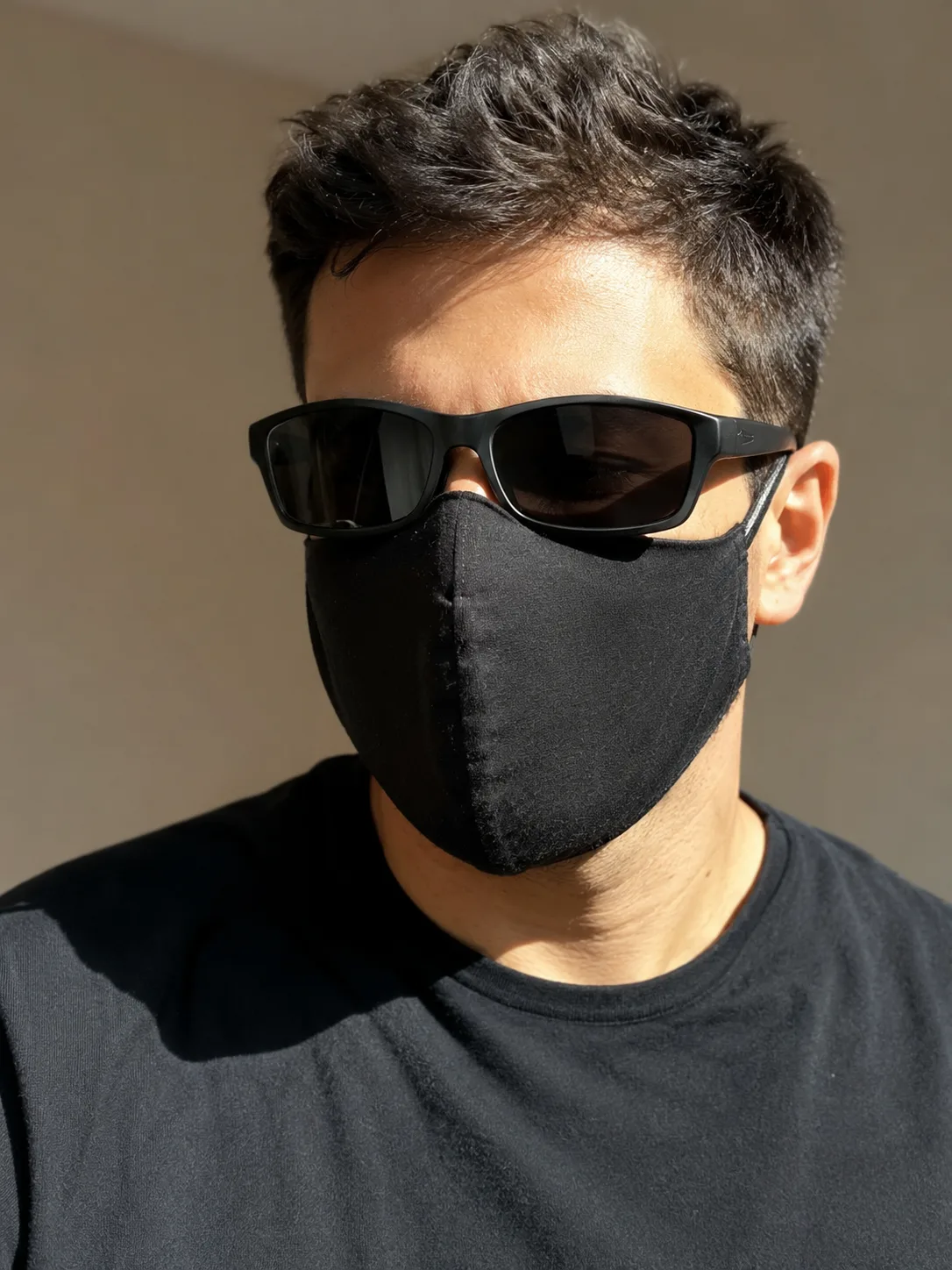 Sunglasses or masks
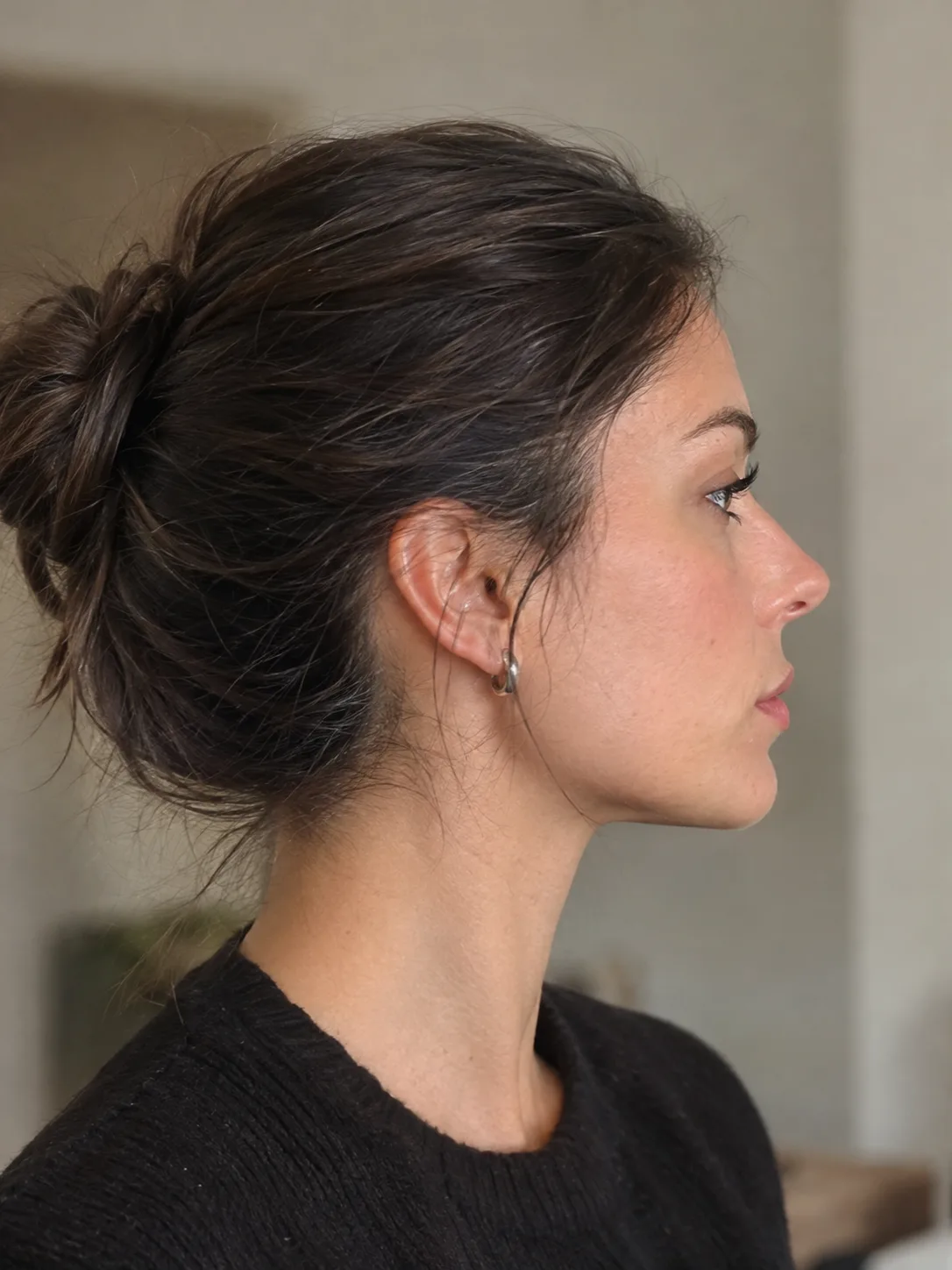 Side profile
No. The orange wall, the hanging mic and the camera framing stay as they are; only the people at the mic change.
The clothes from your photo. Each person keeps the same outfit for the whole clip.
No, it is a wide 16:9 clip like the performance it comes from. On TikTok or Reels it shows with bars above and below.
Usually. Quavo and Takeoff were both in Migos, so many people search for the Hotel Lobby clip that way. Some Migos AI videos use other songs.
Signing up is free, but making a video takes credits, and the welcome credits on a new account don't cover one. Plans and credit packs are on the pricing page.
No. AI Genjutsu is an independent site and is not affiliated with them.
Your own, or an adult who agreed to be in the video. Photos of public figures and children aren't allowed.
You see the exact price on the Generate button before anything is charged. SD 480P costs half of HD, and if a video fails, its credits come back. Plans and credit packs are on the pricing page.